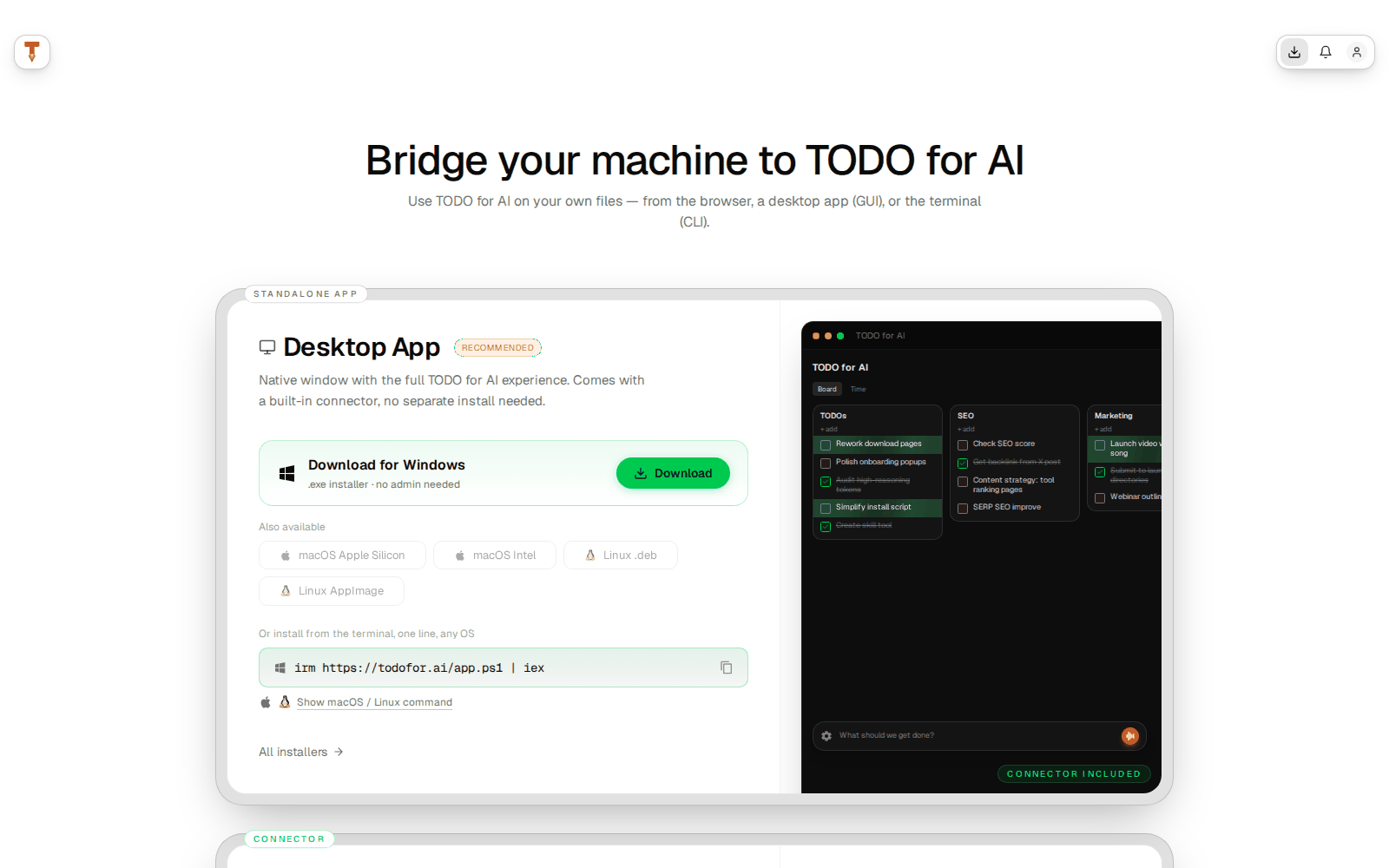

App windows
The app has one main screen, the board, and windows that open on top of it. Everything below is the web app at todofor.ai; the desktop app and the mobile web app show the same screens.
Alt is the modifier on Windows and Linux; on Mac use Ctrl. Full list: Keyboard shortcuts.
Board
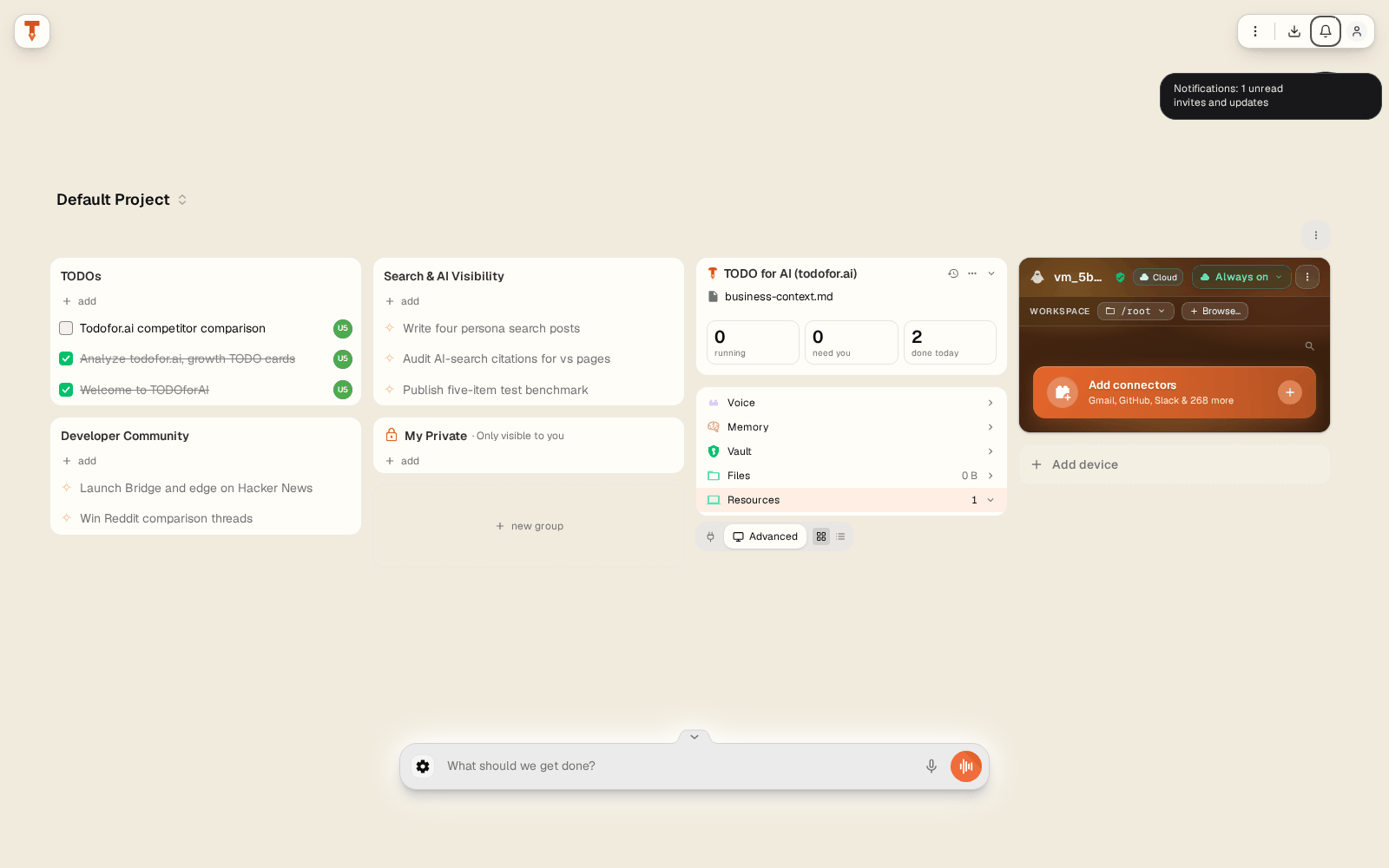
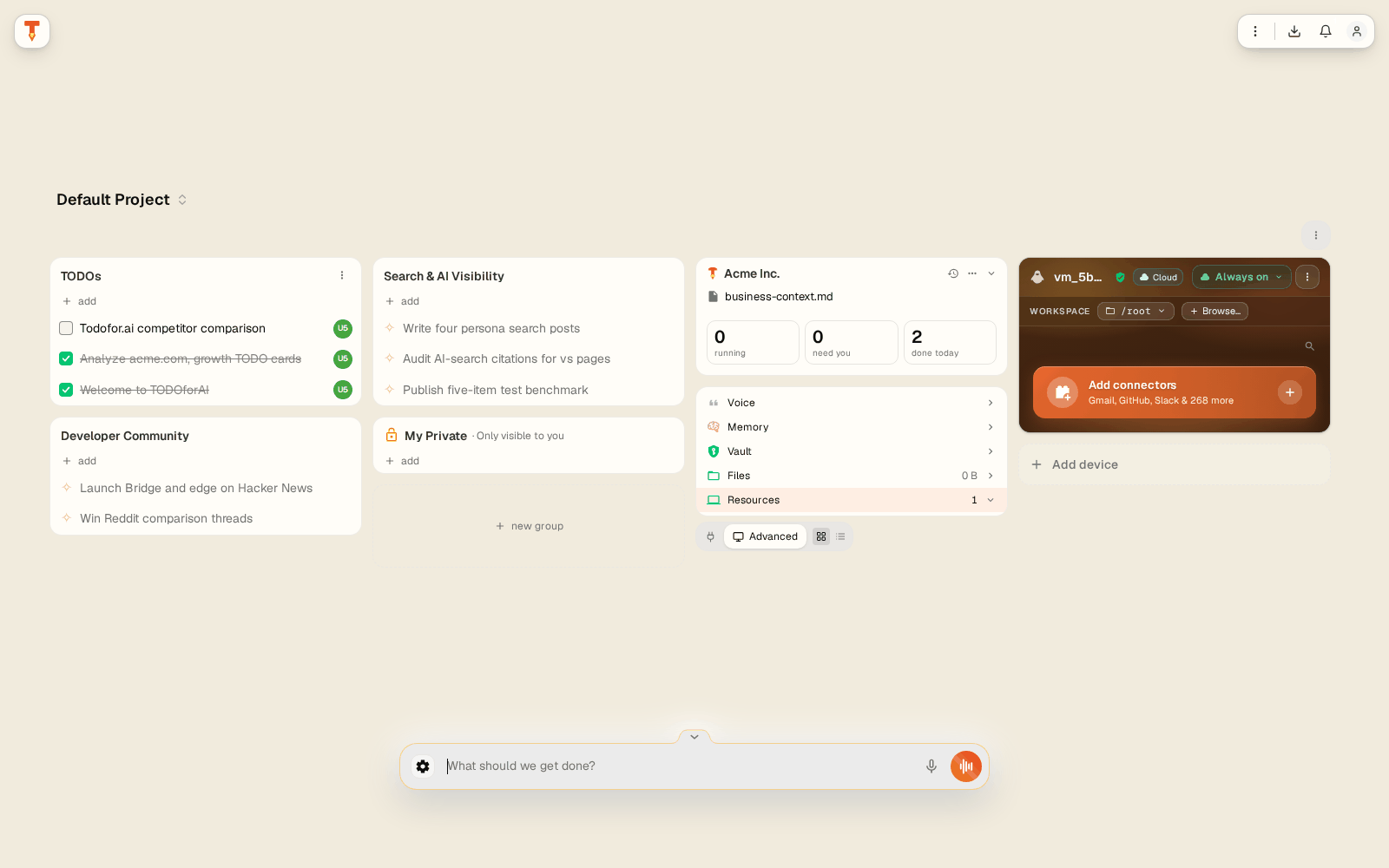
| Area | What it does |
|---|---|
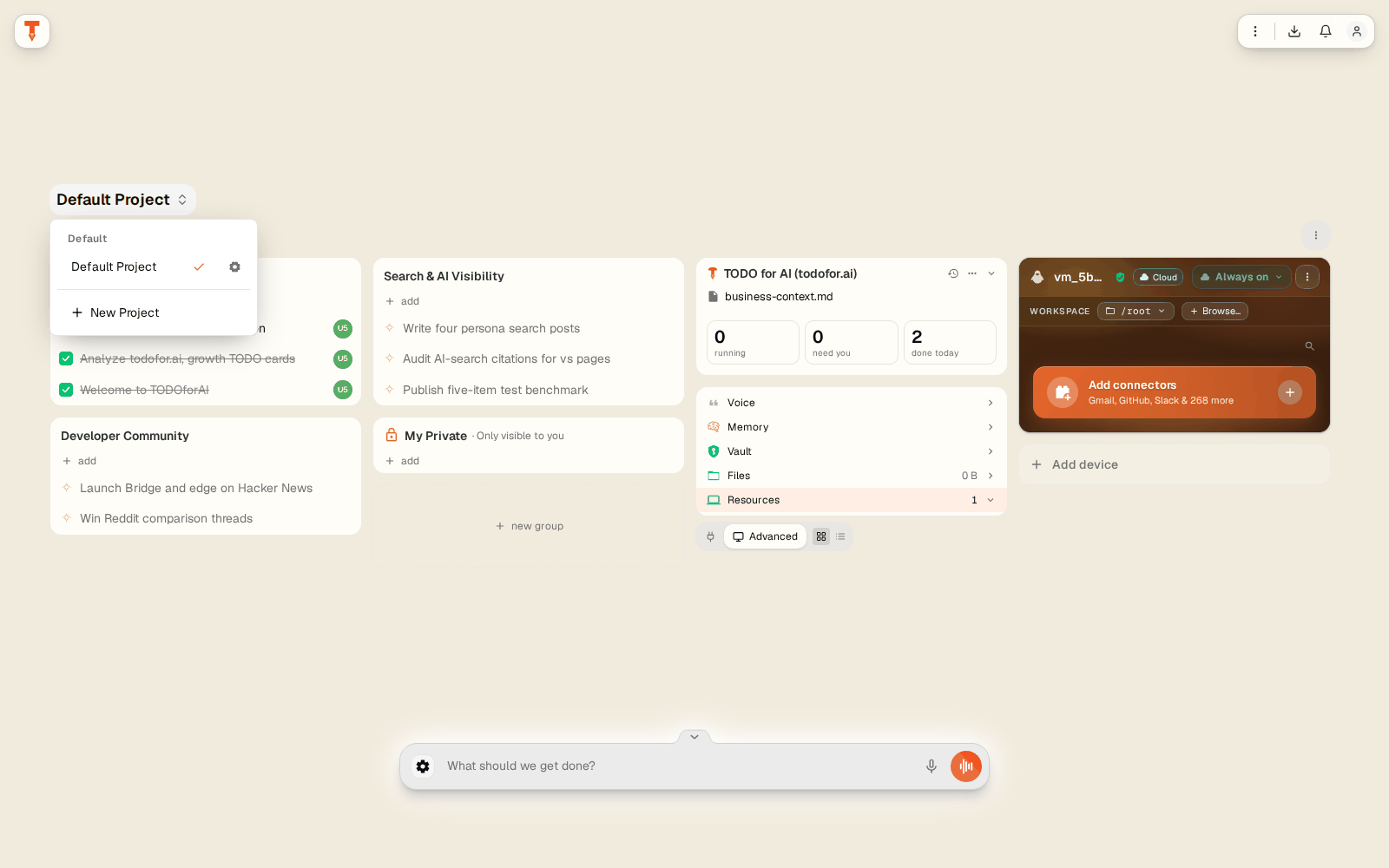
| Project name (top left) | Switch project, open Settings for … or create a New Project. Each project has its own board, brand and voice. |
| TODO groups | Columns of TODOs, grouped by workstream (e.g. Search & AI Visibility). Add a group with + new group. Proposed TODOs show a ✧ mark until you start or dismiss them. |
| My Private | A group only you can see, even in a shared project. |
| Contributor badges | The round badge on a TODO shows who worked on it. |
| Business card | Brand page (business-context.md), counts of running / needs-you / done-today TODOs, and the Voice, Memory, Vault, Files and Resources panels. |
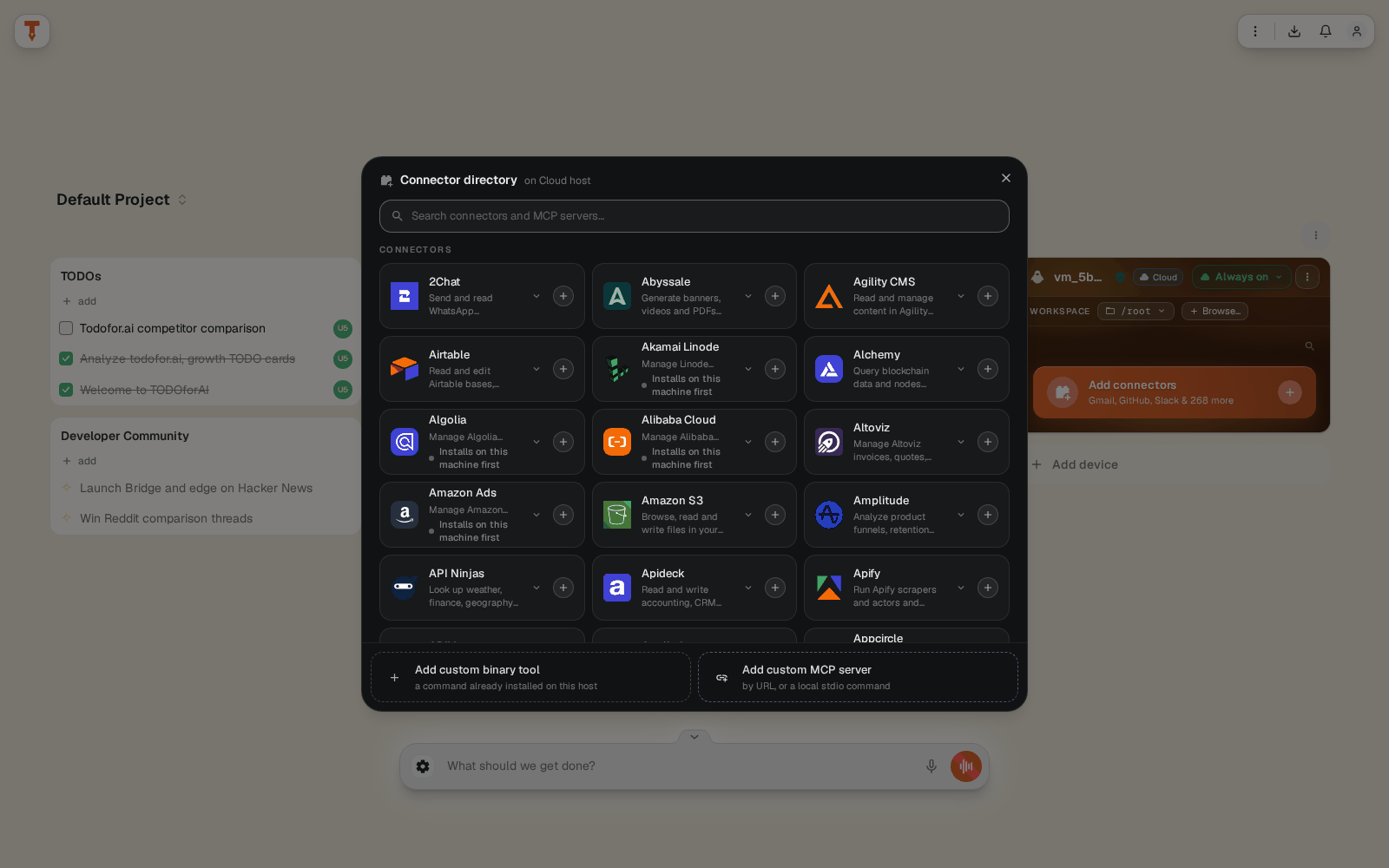
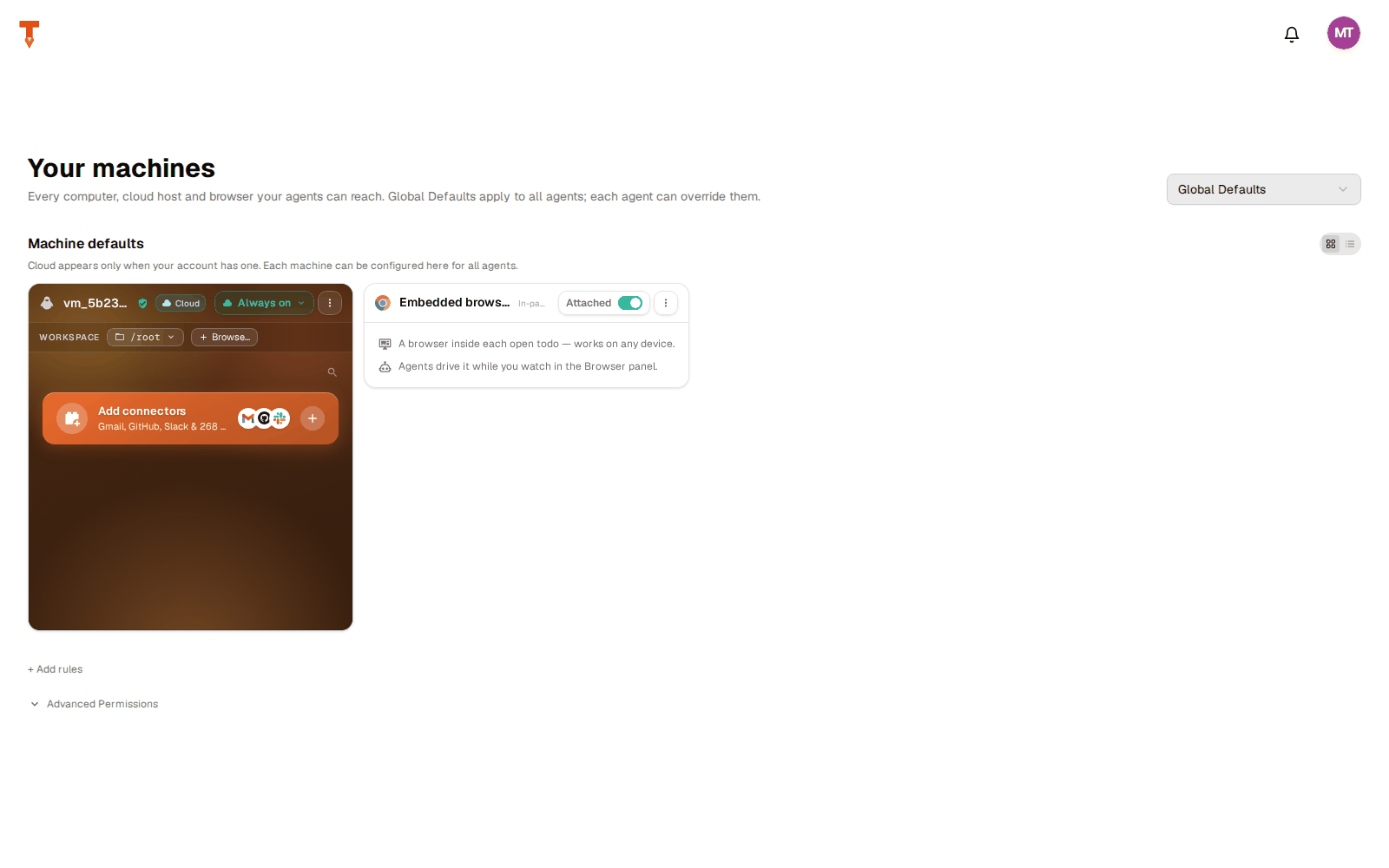
| Machines card | Where agents work: the cloud VM, your PCs, browsers. Add connectors opens the connector directory. Add device pairs a new machine. |
| Composer | "What should we get done?" Type a TODO, dictate with the mic, or talk to Tod, the voice assistant (orange button). |
| Top right | View options (Board / List / Time), Downloads, Notifications, Account menu. |
Board views
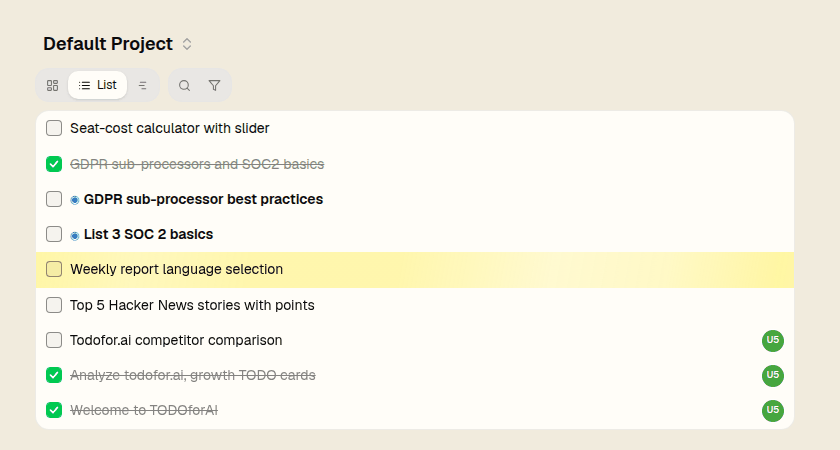
- Board: cards grouped by workstream.
- List: one column, newest first.
- Time: a timeline of when each TODO actually ran, per workstream, with an "Active near" list below. Hollow dashed dots are scheduled runs.
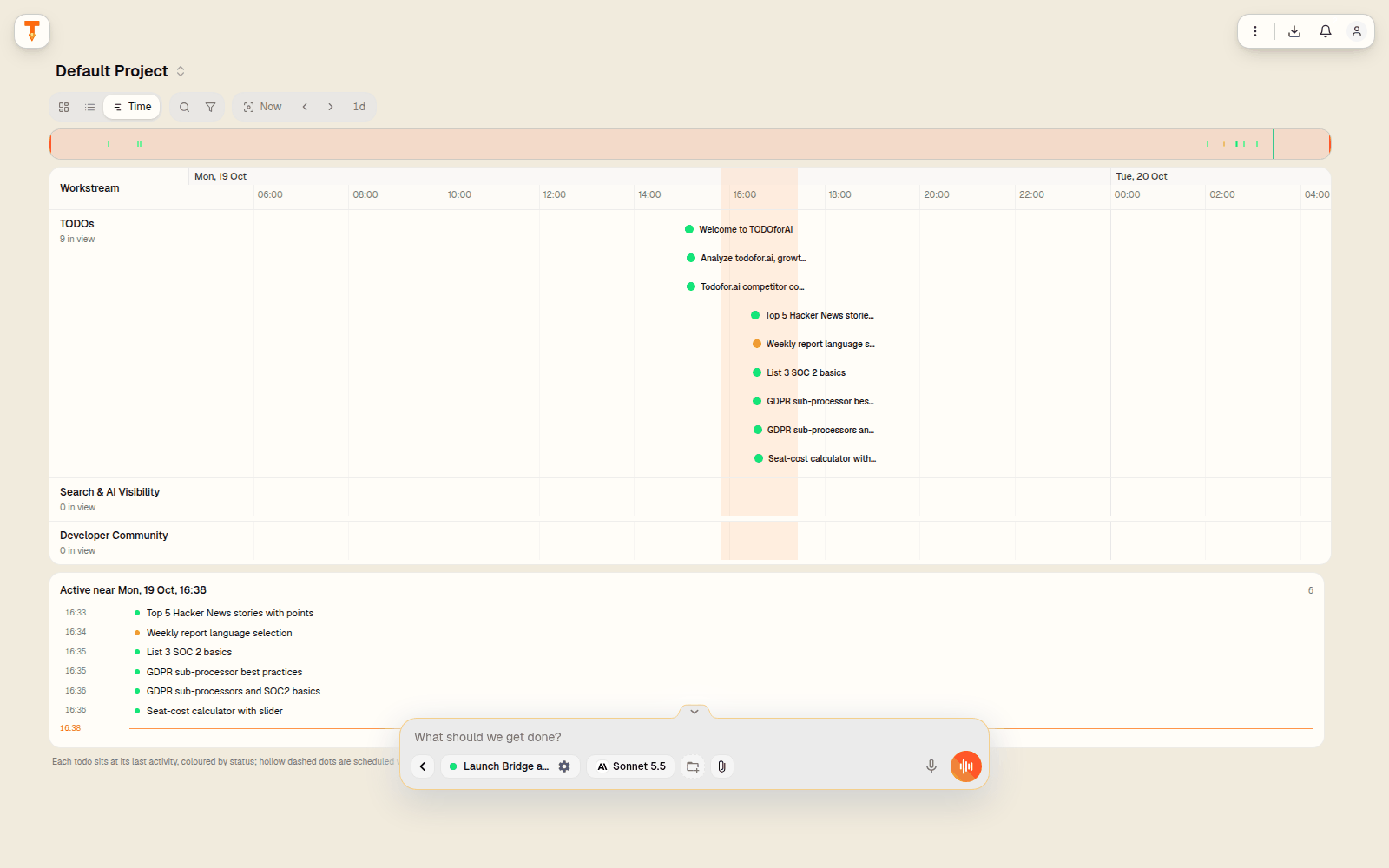
Scheduled card: appears on the board when a TODO has a timer, a recurring schedule or a webhook wait. Scheduling →
Filters: Running, Needs you, Not started, Other, Done. Search with "Search this project…".
Business card panels
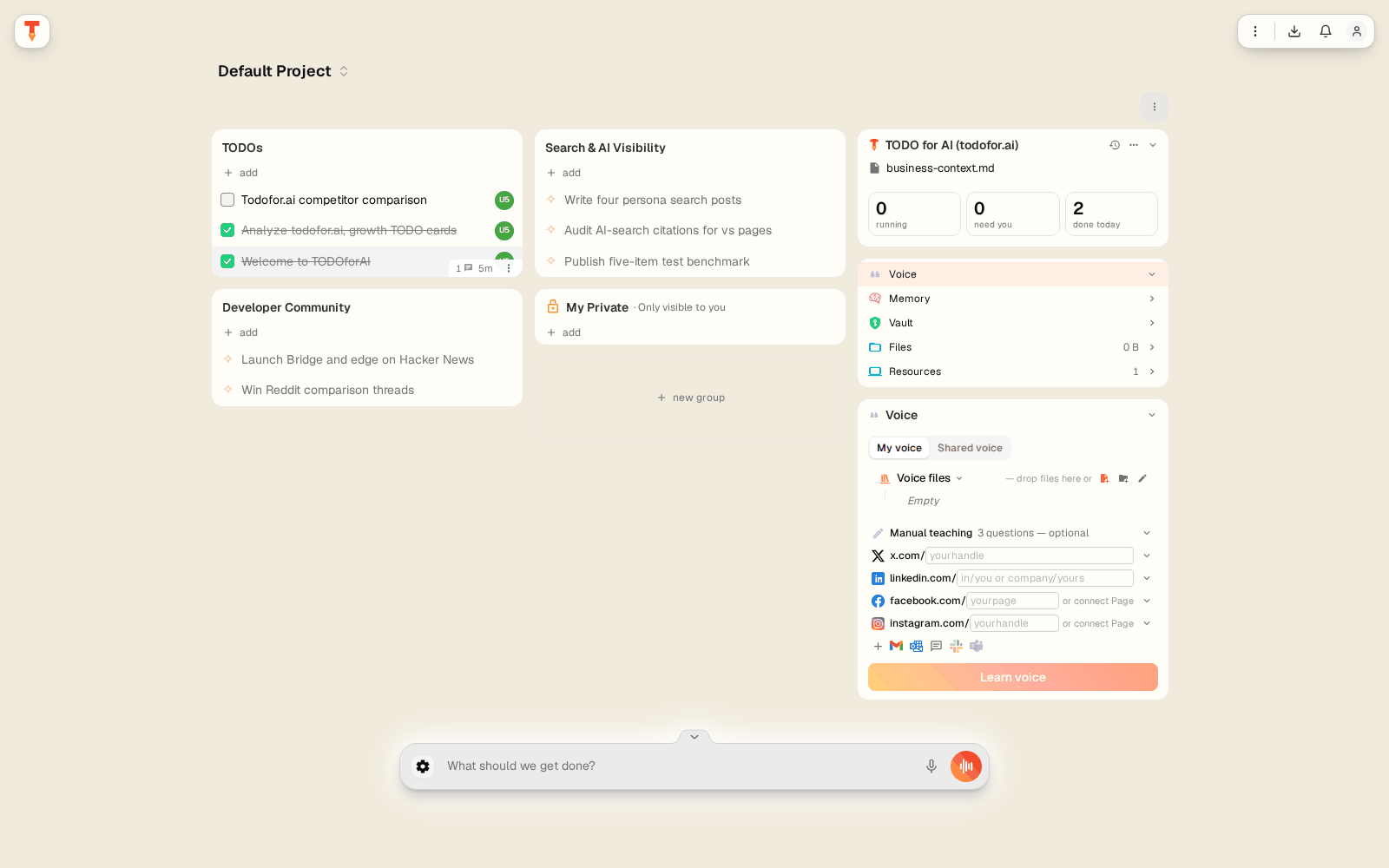
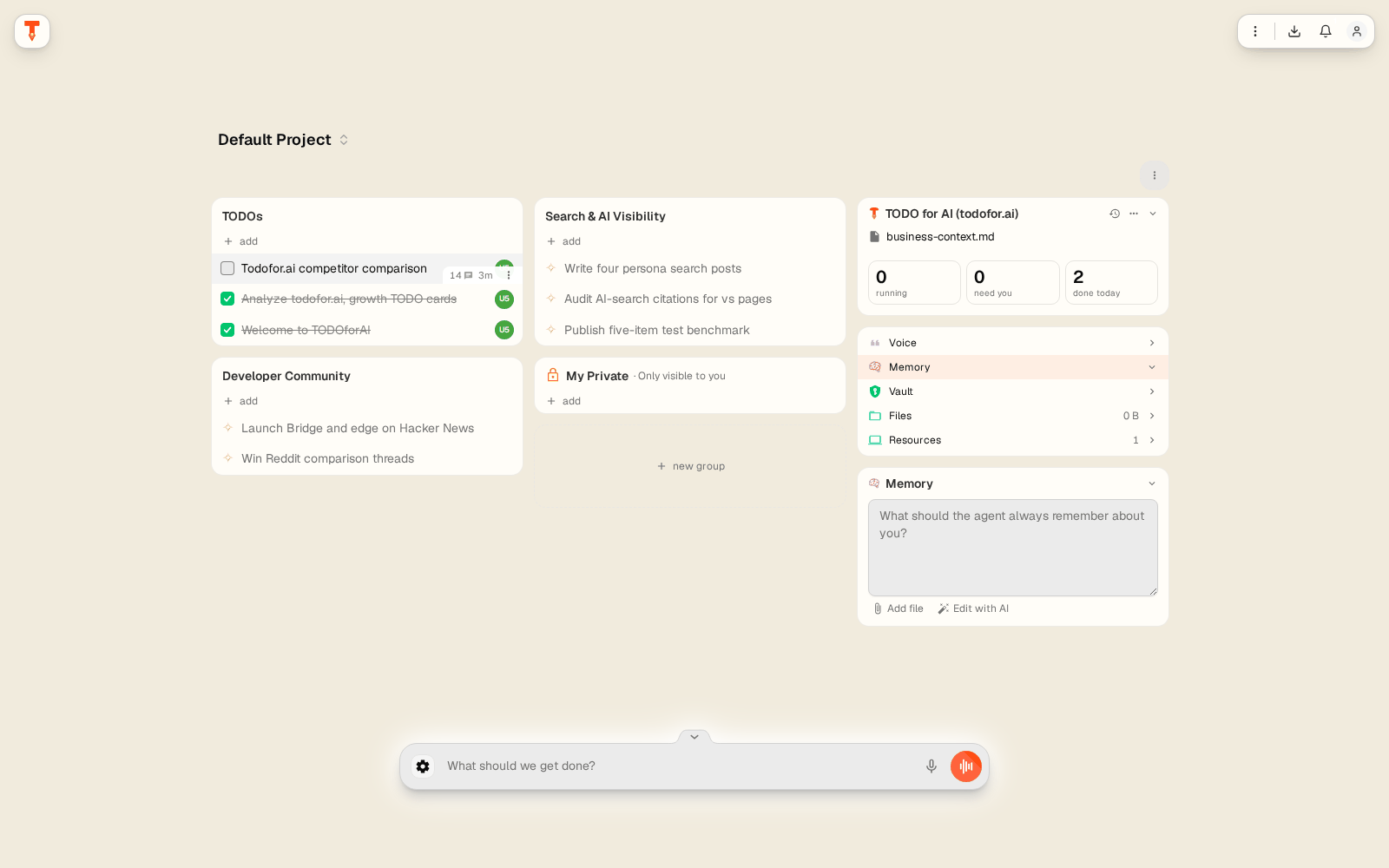
| Panel | Contents |
|---|---|
| Voice | How you write, per channel. Learned from samples and linked accounts with Learn voice. My voice (private) or Shared voice (project). |
| Memory | "What should the agent always remember about you?" Free text plus files. Agents read it at the start of each TODO. |
| Vault | Encrypted secrets (API keys, passwords) that agents can use without seeing them in chat. Import with AI pulls them from a pasted text. |
| Files | Files stored with the project. |
| Resources | Machines, browsers and connectors available to this project. |
TODO window
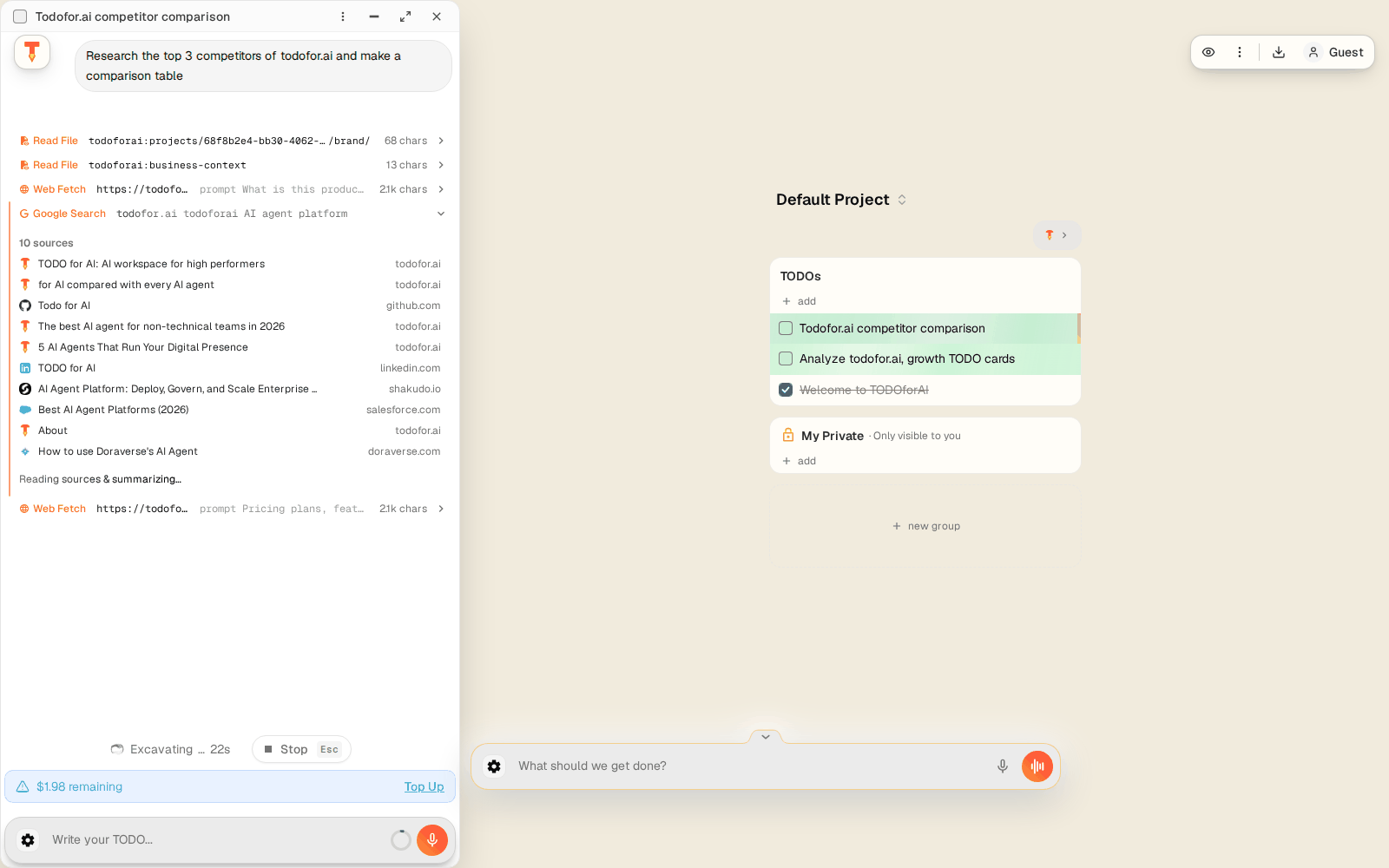
Click a TODO to open it as a floating window. Several windows can be open side by side; Alt+Q / Alt+E move between them.
| Part | What it does |
|---|---|
| Title bar | Checkbox (mark done), title, options menu, minimize, full page, close. |
| Chat | Your messages and the agent's steps. Blocks: shell commands, file edits, web searches, browser actions, approvals, questions, previews, images. |
| Approval blocks | When a tool is set to ask, the agent stops and waits. Approve, Deny, or Approve & remember to allow similar actions next time. |
| Side panel | Browser (live view of the agent's browser), Terminal, Sub-todos (work the agent delegated), Changes (files changed, from chat or Git). |
| Credit bar | Remaining credit, Top Up. |
| Composer | Follow-ups. Suggested next step is pre-filled; press Tab to accept. |
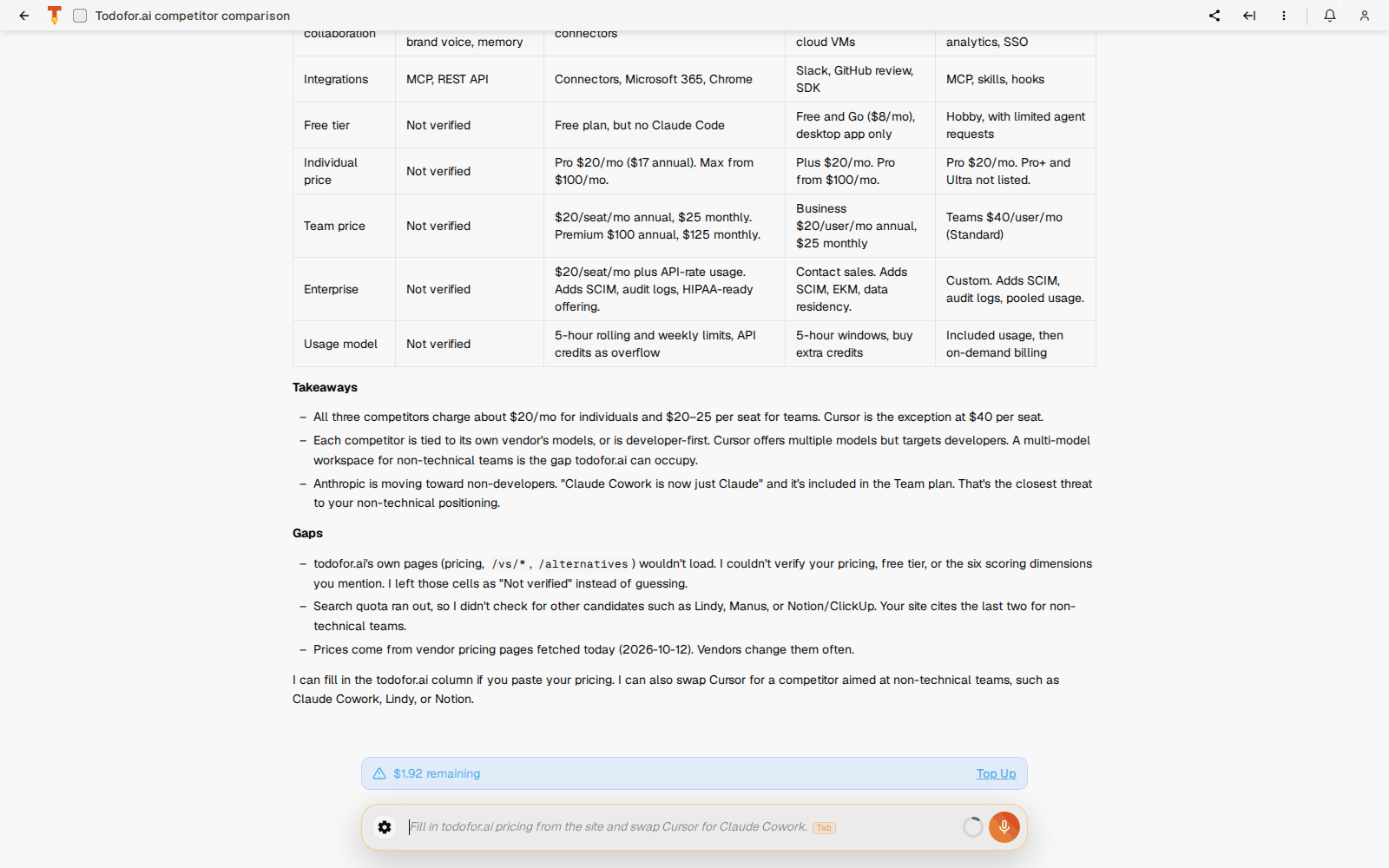
Options menu: Open in window / full page, Group, Move to project, Star, Refresh, Share…, Enable visitor comments, Delete.
Every block, button and panel: Inside a TODO →
New TODO and composer
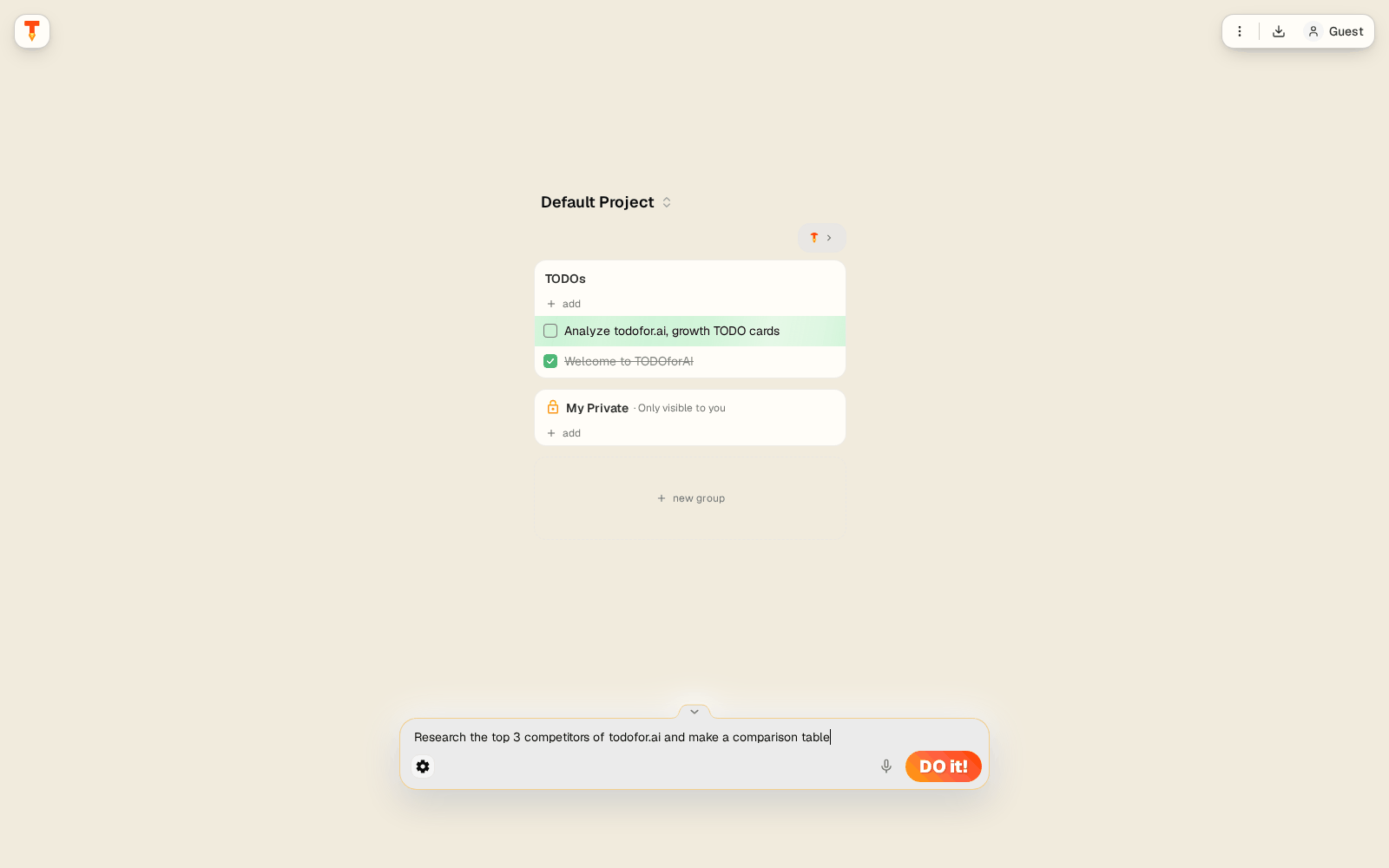
- Agent picker: which agent runs it (Global Defaults or a custom agent).
- Model picker (
Alt+M): Claude, GPT, Gemini, Grok and others, with price per million tokens and thinking level (Off → Extra high). Some models need a paid plan. - Workspace folder, Attach file, tools toolbar (
Alt+P), dictation (Alt+V), Tod (orange waveform). - Type
/for commands:/compact,/usage,/new,/review.

- Deep link:
https://todofor.ai/new?prompt=...opens the composer pre-filled.
Agent settings
Alt+G, or the gear in the composer.
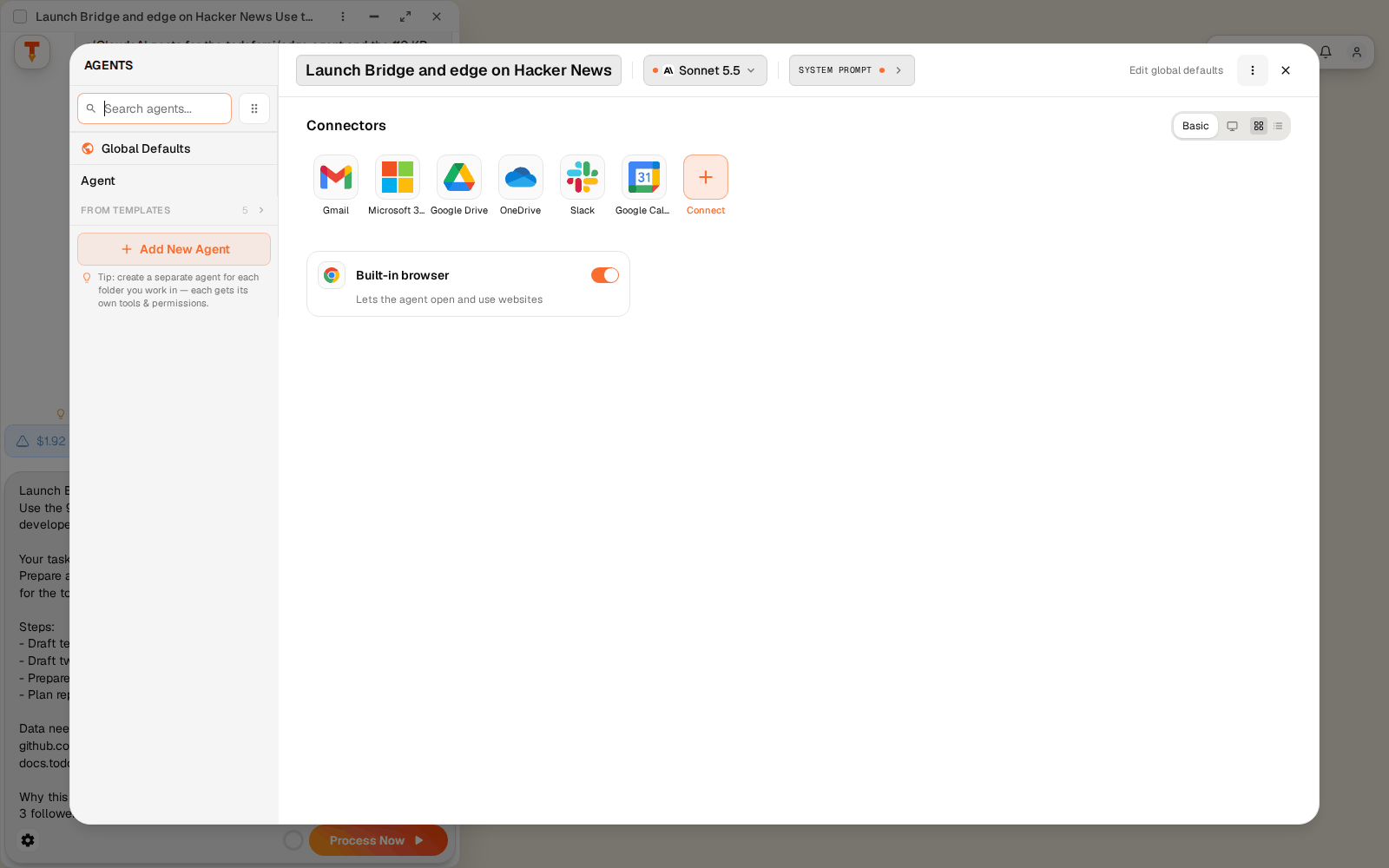
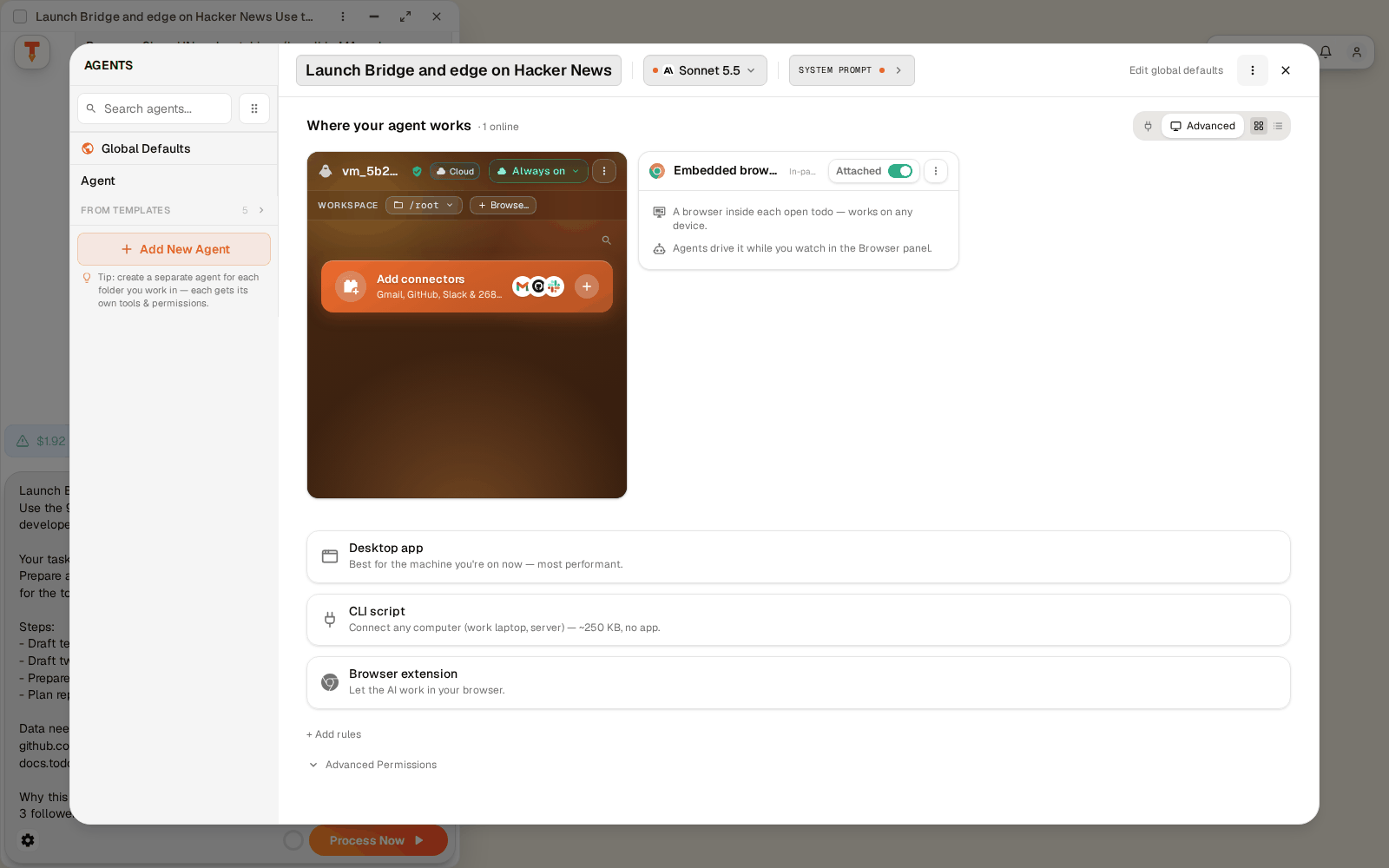
- Agents list: Global Defaults apply to every agent; create specialised agents (e.g. Support, SEO) from scratch or From Templates.
- Model and System prompt.
- Connectors: Gmail, Microsoft 365, Google Drive, OneDrive, Slack, Google Calendar, or Connect an app.
- Where your agent works: cloud VM, desktop app, Bridge machines, browser extension.
- Permissions: per tool, allow, ask or deny. Defaults →
Connector directory
Machines
Notifications
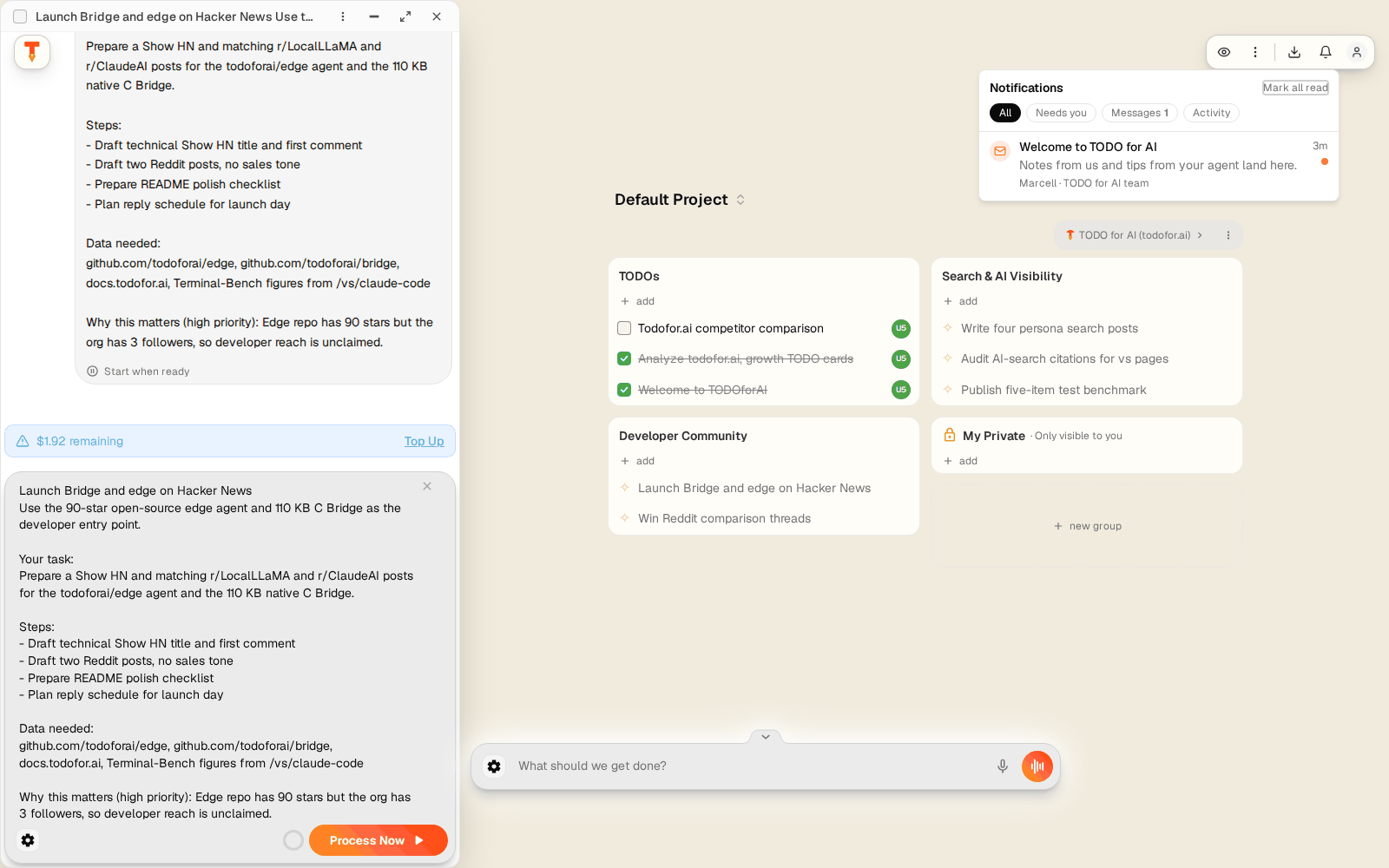
You are notified when a TODO you contributed to is Done, Ready for review, Failed or Needs you.
Account menu
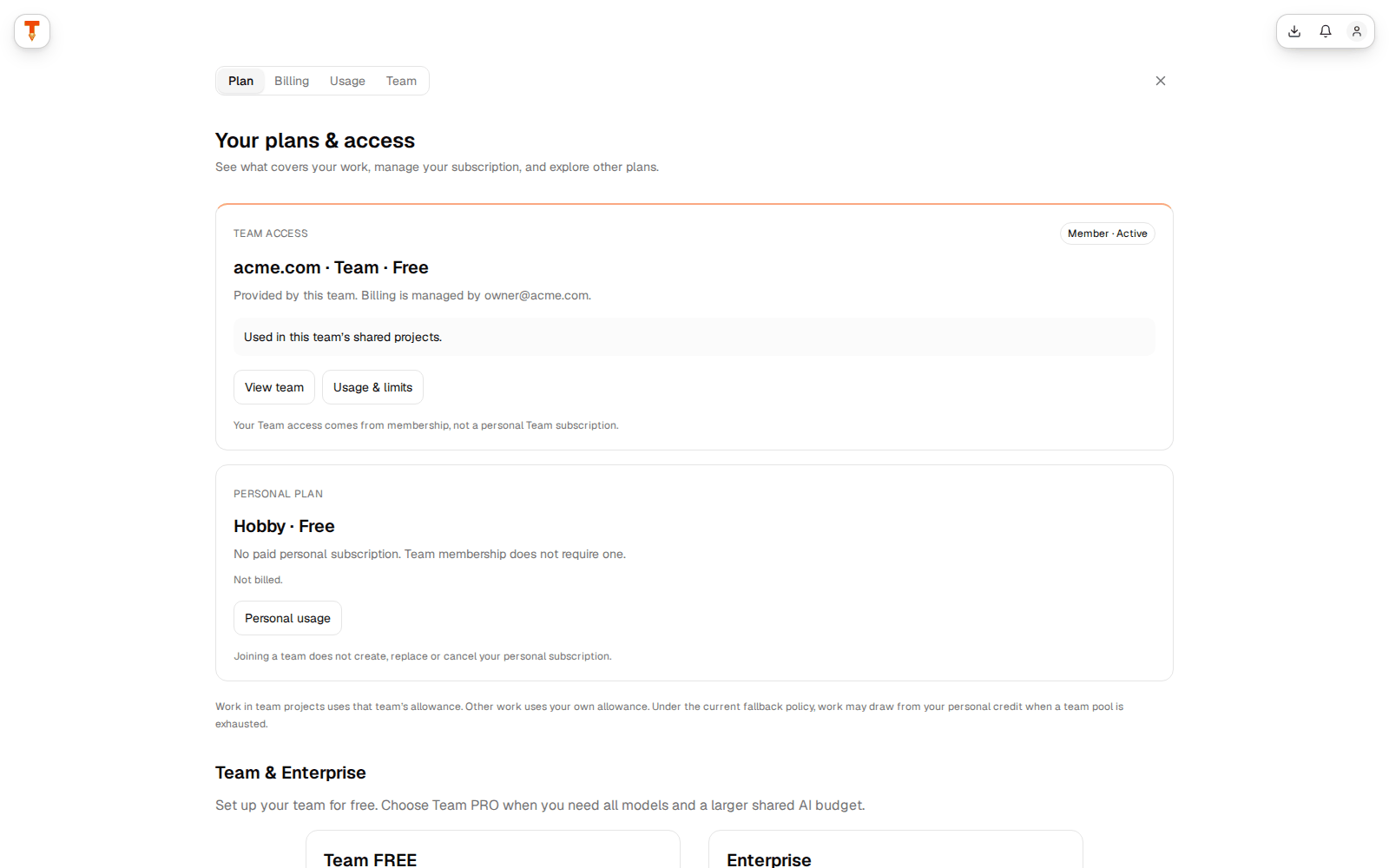
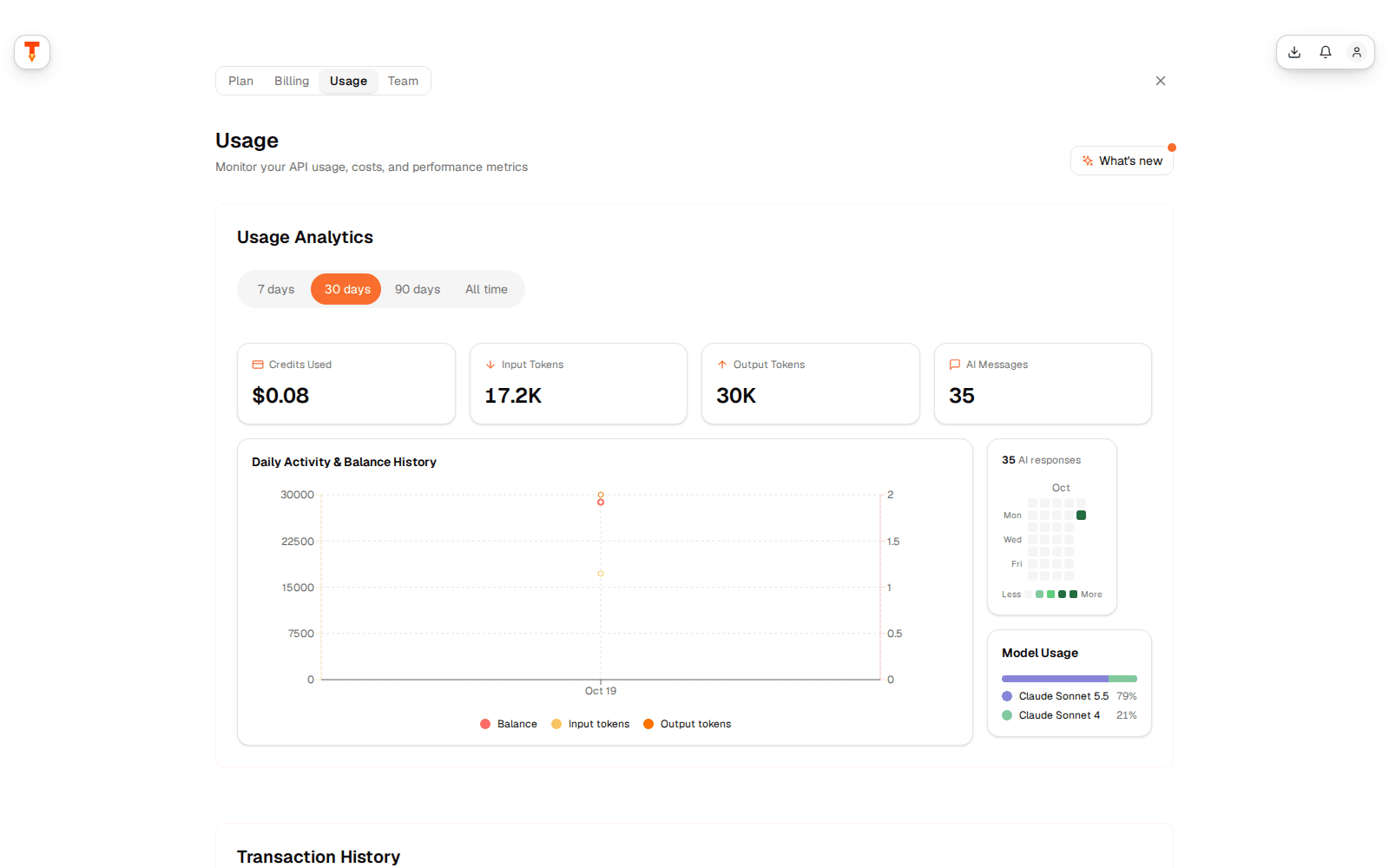
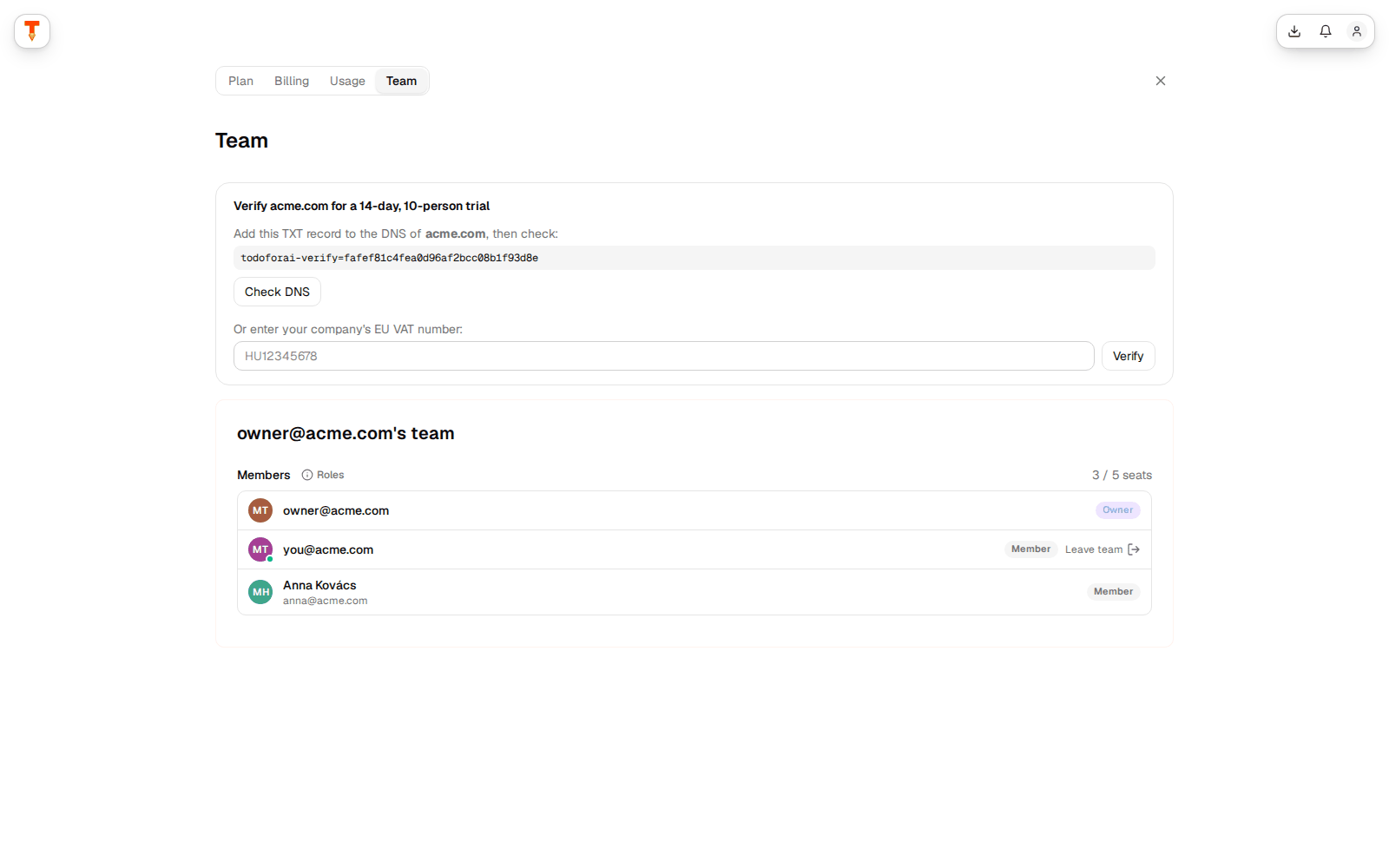
Usage · Plan & upgrade · Billing & invoices · Team & invitations · Settings · API Keys · Send feedback · Dark mode · Logout.
Settings
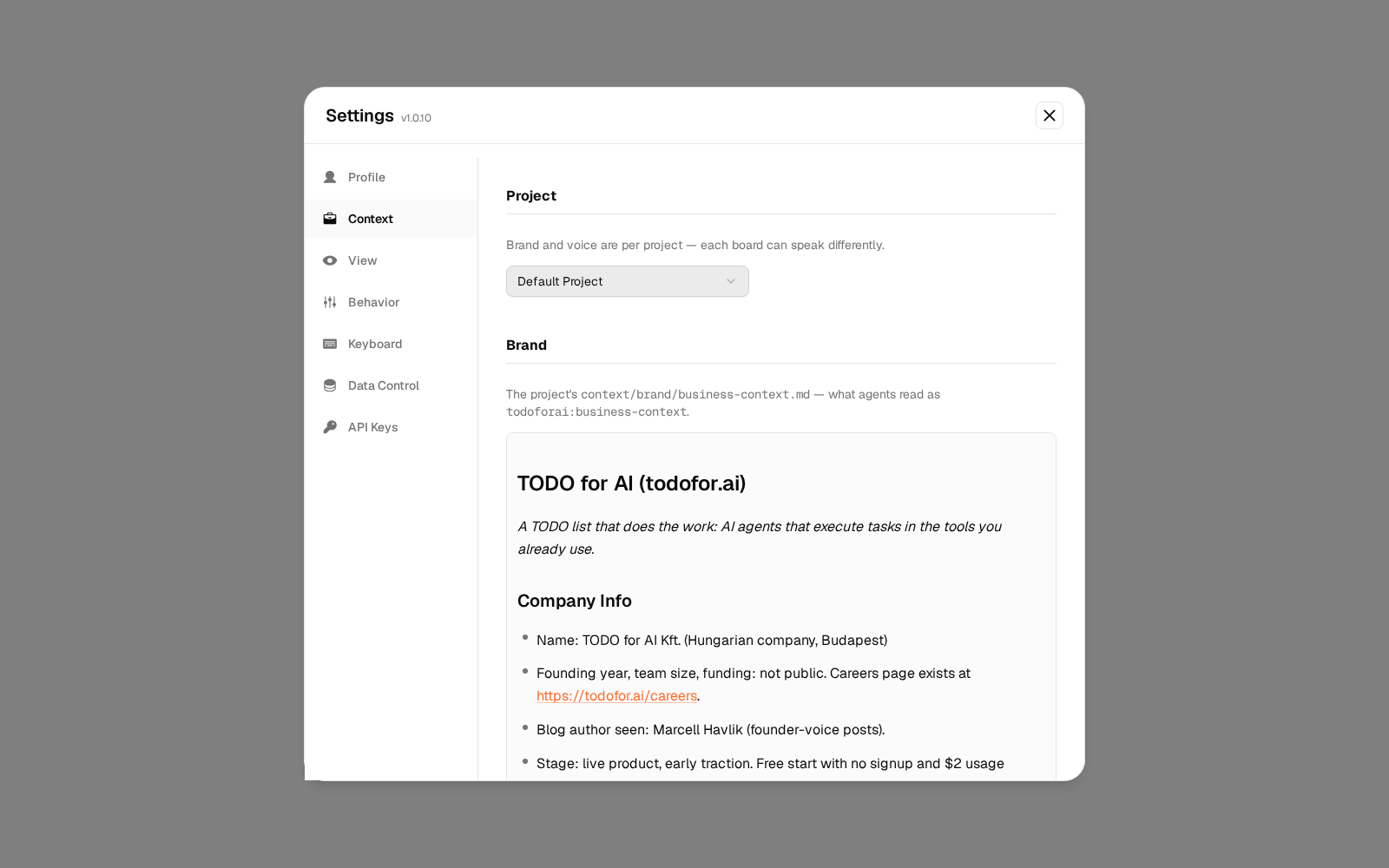
| Tab | Contents |
|---|---|
| Profile | Name, avatar, email, email notifications. |
| Context | Per-project brand page and voice. |
| View | Board sort and grouping, show where TODOs are open, restart setup. |
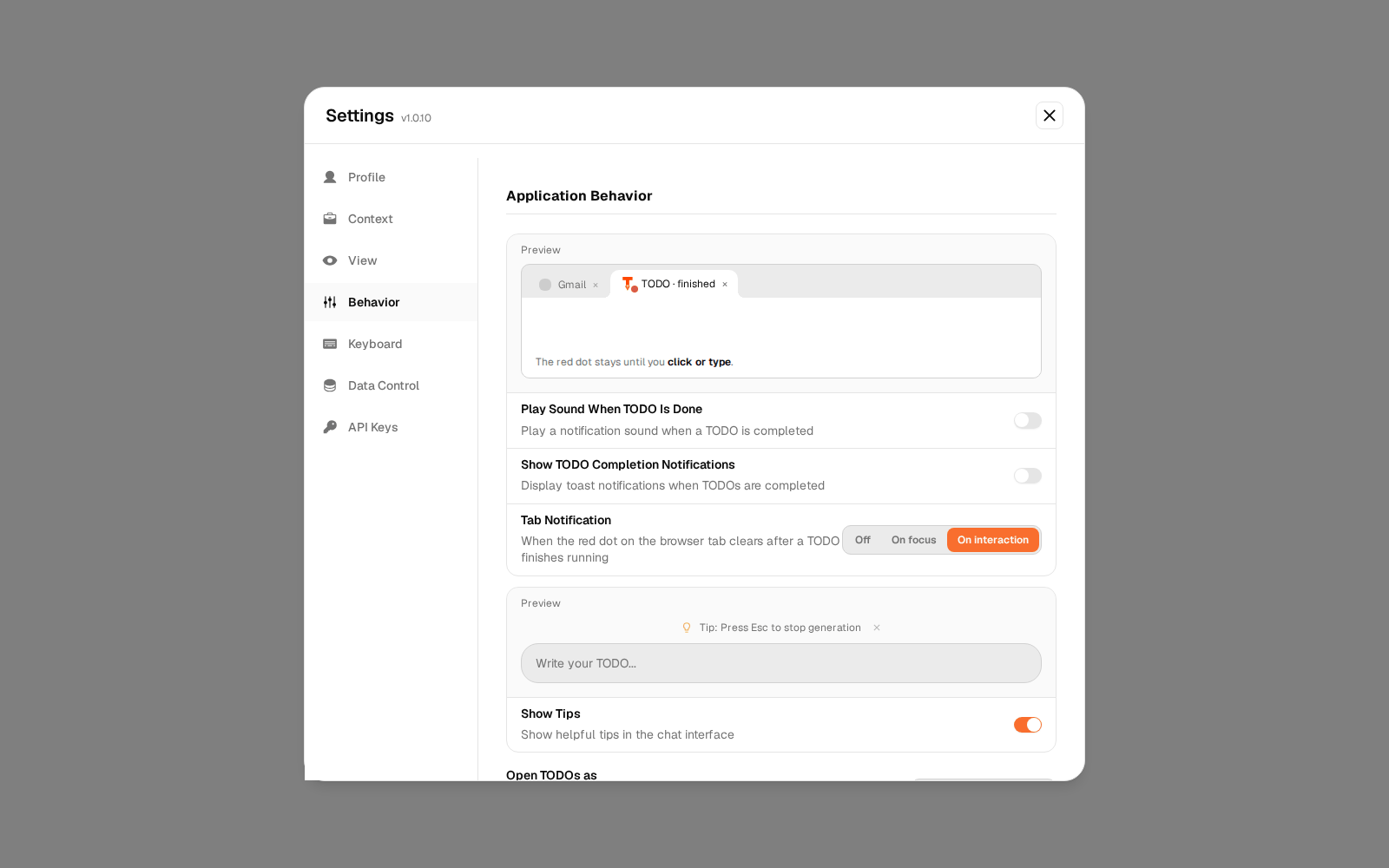
| Behavior | Sounds, completion toasts, tab notification dot, open TODOs as preview or full page, virtual desktops, auto-run shell commands. |
| Keyboard | All shortcuts. |
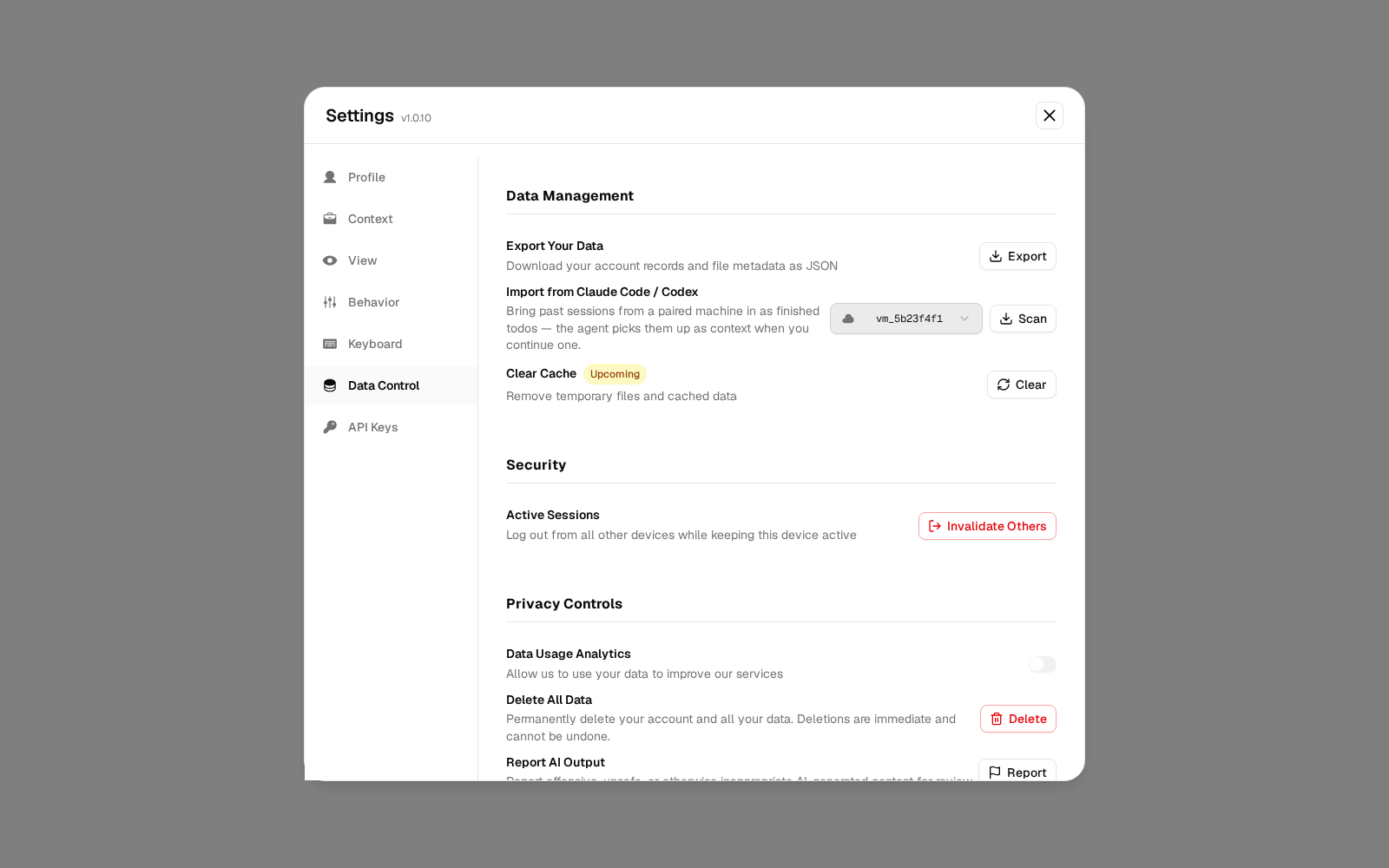
| Data Control | Export your data (JSON), import Claude Code / Codex sessions, sign out other sessions, delete account. GDPR → |
| API Keys | Keys for the API, CLI and MCP. |
Plan, usage and team
Other screens
| Screen | Path | What it is |
|---|---|---|
| Knowledge | /knowledge | Search the files on your connected machines. |
| Downloads | /downloads | Desktop app, Bridge, CLI, IDE, MCP server, browser extension. |
| Integrations | todofor.ai/integrations | Public catalogue of connectors. |
| Pricing | todofor.ai/pricing | Plans and seats. |