

The app
TODOs
A TODO is a task an agent works on, with its own chat. It can be one question or a multi-hour job with sub-todos.
Create
- Type in the board composer, What should we get done?
Alt+N(Ctrl+Non Mac) for a new TODO window.- Accept a proposed TODO with Start now.
- From the CLI, API, MCP server or your IDE.
- Deep link:
https://todofor.ai/new?prompt=...
Work on it
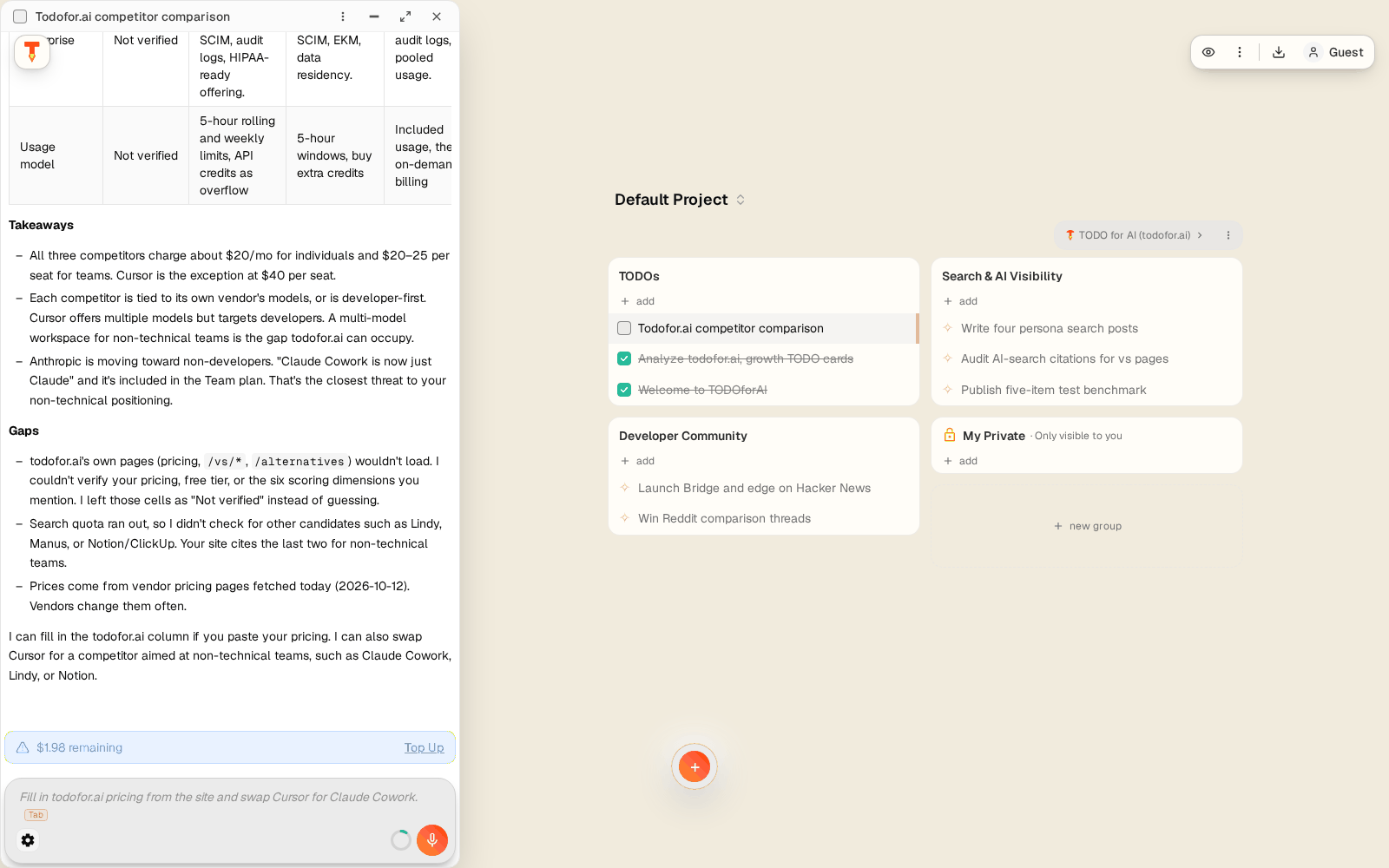
- Reply in the chat to steer it.
Escstops the agent. - Sub-todos: the agent can split work and run parts in parallel; see them in the side panel.
- Changes: every file the agent changed, from the chat or Git.
Organise
- Groups: columns on the board, per workstream. + new group adds one. My Private is visible only to you.
- Views: Board, List, Time. Filters: Running, Needs you, Not started, Done.
- Star, Mark as done (
Alt+X,Ctrl+Xon Mac), Move to project when you have another project.
Recurring and scheduled
Ask in the chat: "Run this every Monday at 9:00" or "Check this again in 3 hours". The schedule shows on the board's Scheduled card. Details: Scheduling.
Share
Share icon in the TODO header, or options → Share…. Opening it creates the link and copies it. Anyone with the link can view; optionally allow signed-in visitors to comment. Details: Inside a TODO.
Last modified on