

The app
Projects
A project is a board with its own TODOs, brand page, voice, files and machines. Use one project per company, department or client.
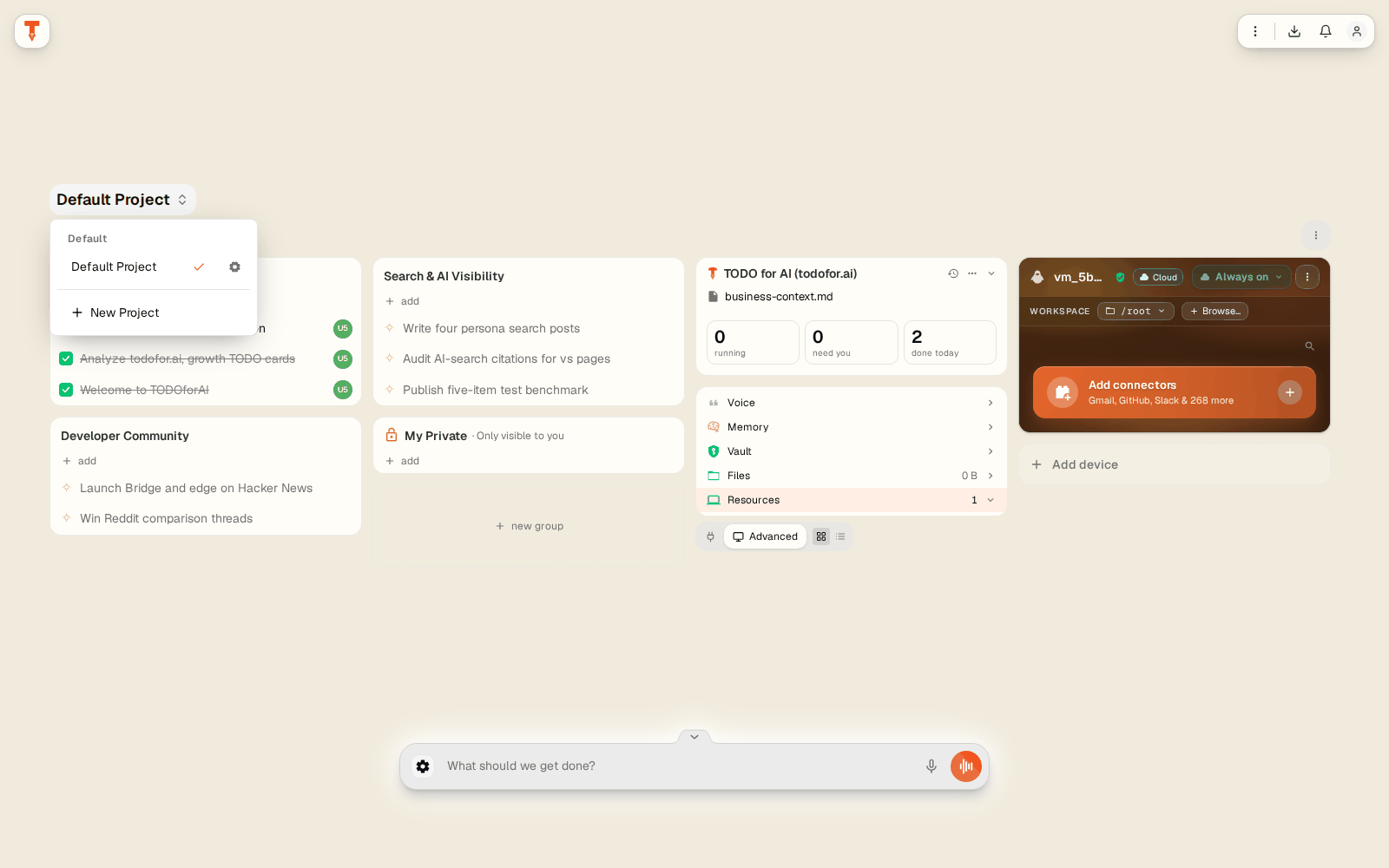
Project settings
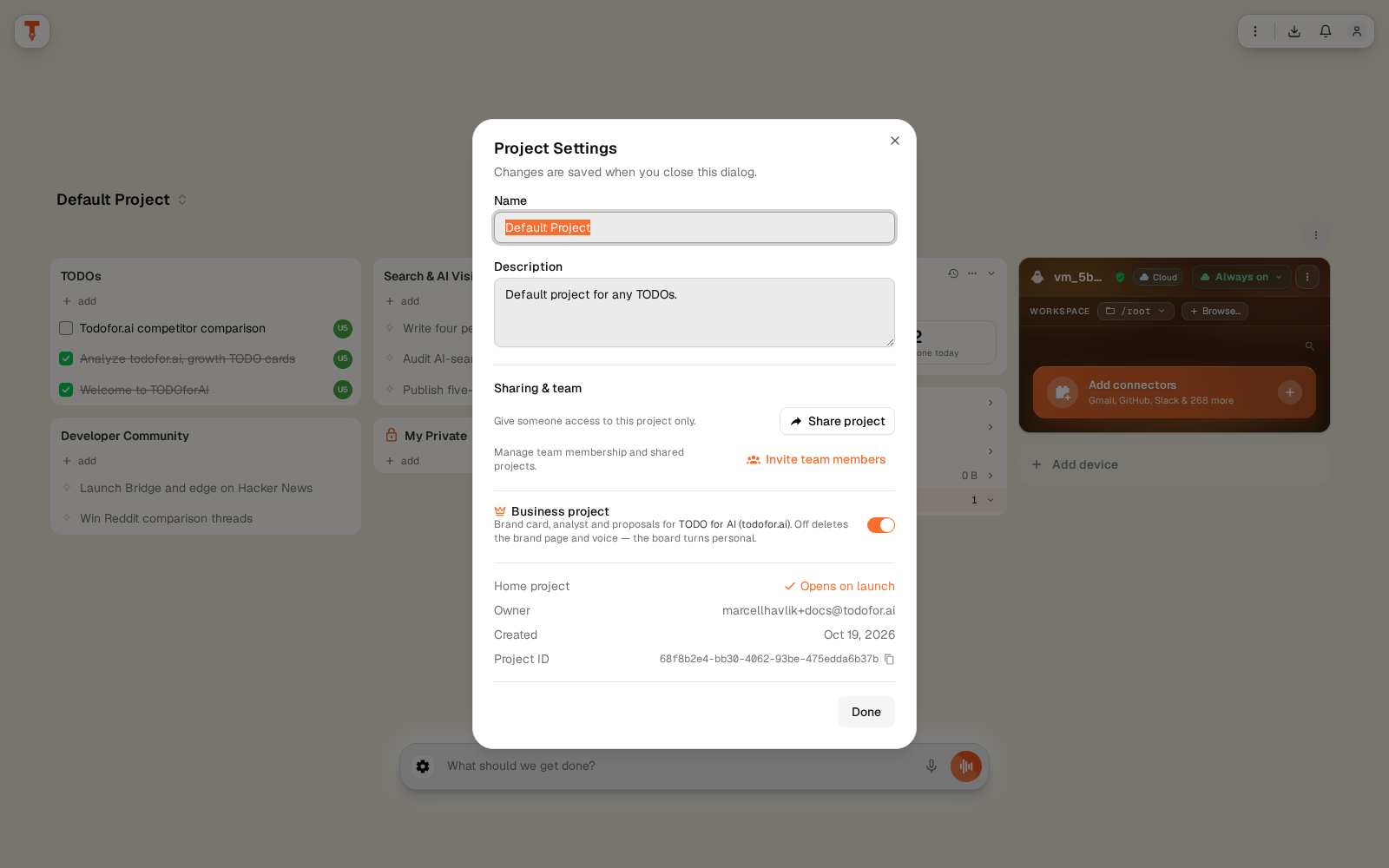
- Name and description.
- Share project: give people Can view or Can edit access, or create a public link.
- Invite team members: add people to your team; they get Can edit on the team's projects.
- Business project: on, the project has a brand page, voice and proposed TODOs. Off, it is a plain personal board.
- Home project: opens on launch.
Brand and voice per project
Each project has its own brand page (business-context.md) and voice, edited in Settings → Workspace. Agents in that project read them before every TODO.
Move a TODO
TODO options menu → Move to project (shown when you have another project you can write to).
More on sharing and roles: Teams & shared workspace.
Last modified on