

Use it from anywhere
The same agents and the same board, reachable from wherever you already are.
| From | How | Result lands |
|---|---|---|
| Slack | Mention @TODOforAI in a thread | Same Slack thread |
| Discord | /todo <prompt> | Thread under the bot message |
| MCP client | Add https://api.todofor.ai/mcp | In the client |
| IDE | Agent Client Protocol (npx -y @todoforai/cli acp) | Editor panel, inline diffs |
| Terminal | tfa-cli "prompt" | Terminal, streamed |
| Browser extension | Floating TODO counter on every page | Extension popup and board |
| Website embed | <script src="https://todofor.ai/embed/embed.js" …> | Visitor's own TODO for AI |
Everything also appears on your board, so you can continue in the web app.
Slack
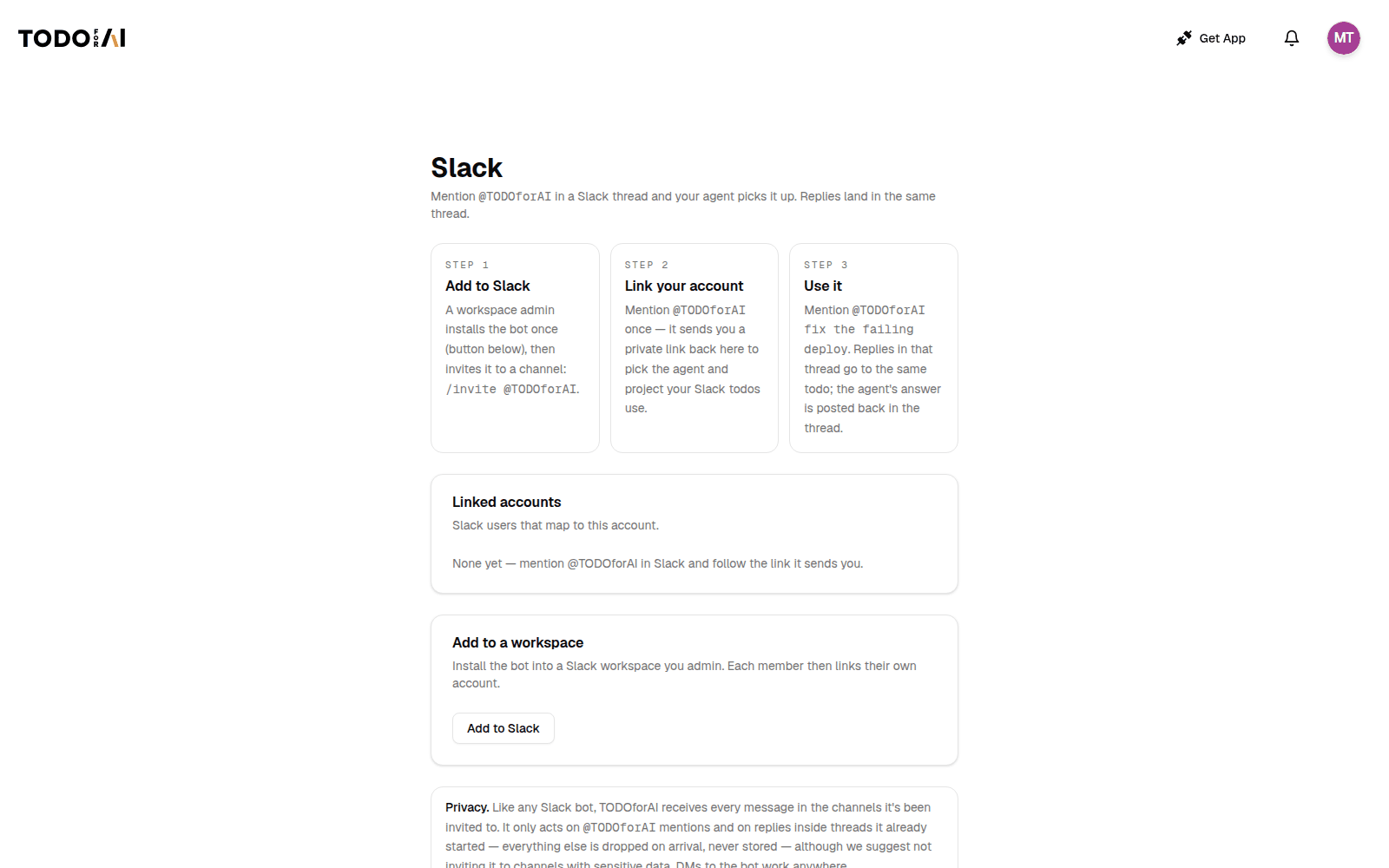
- Add to Slack: a workspace admin installs the bot once, then invites it to a channel:
/invite @TODOforAI. - Link your account: mention
@TODOforAIonce. It sends you a private link to pick the agent and project your Slack TODOs use. - Use it:
@TODOforAI fix the failing deploy, or send the bot a direct message. Your replies in that thread go to the same TODO; the agent's answer is posted back in the thread. Only the person who started the TODO can continue it from the thread.
Privacy: like any Slack bot, it receives every message in channels it was invited to. It acts only on mentions, direct messages and replies in its own TODO threads; everything else is dropped on arrival and not stored. Don't invite it to channels with sensitive conversations.
Discord
Install from todofor.ai/discord. Slash command only, so the bot does not read the channel:
/todo <prompt>in a text channel: the bot posts "@you → prompt" and opens a thread; the TODO runs and the result is posted there./todo <prompt>inside that thread: a follow-up to the same TODO. Only the person who started it can continue.
MCP server
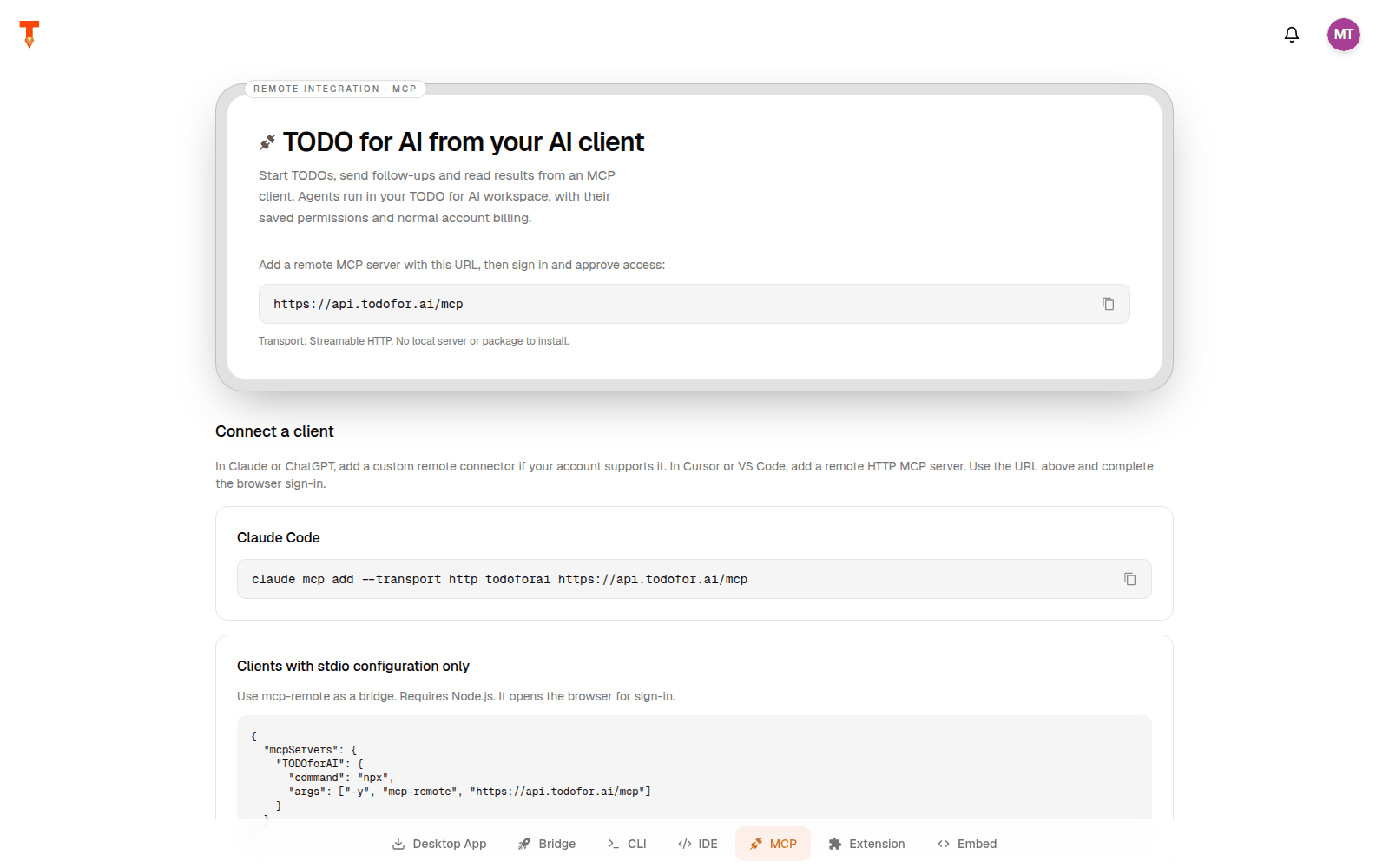
Remote MCP server, Streamable HTTP, no local install. Add the URL in your client, sign in, approve access.
Code
Code
Clients that only support stdio: use mcp-remote (needs Node.js):
Code
| Tool | What it does |
|---|---|
run_todo | Start a TODO with a saved agent. Returns immediately. |
send_message | Send a follow-up to an existing TODO. |
get_todo | Read status, recent messages and the latest reply. |
list_todos | List TODOs in a project. |
list_projects | Find your projects. |
list_agents | Find your saved agents. |
Agents run in your workspace with their saved permissions, billed to your account.
IDE (Zed, JetBrains, VS Code)
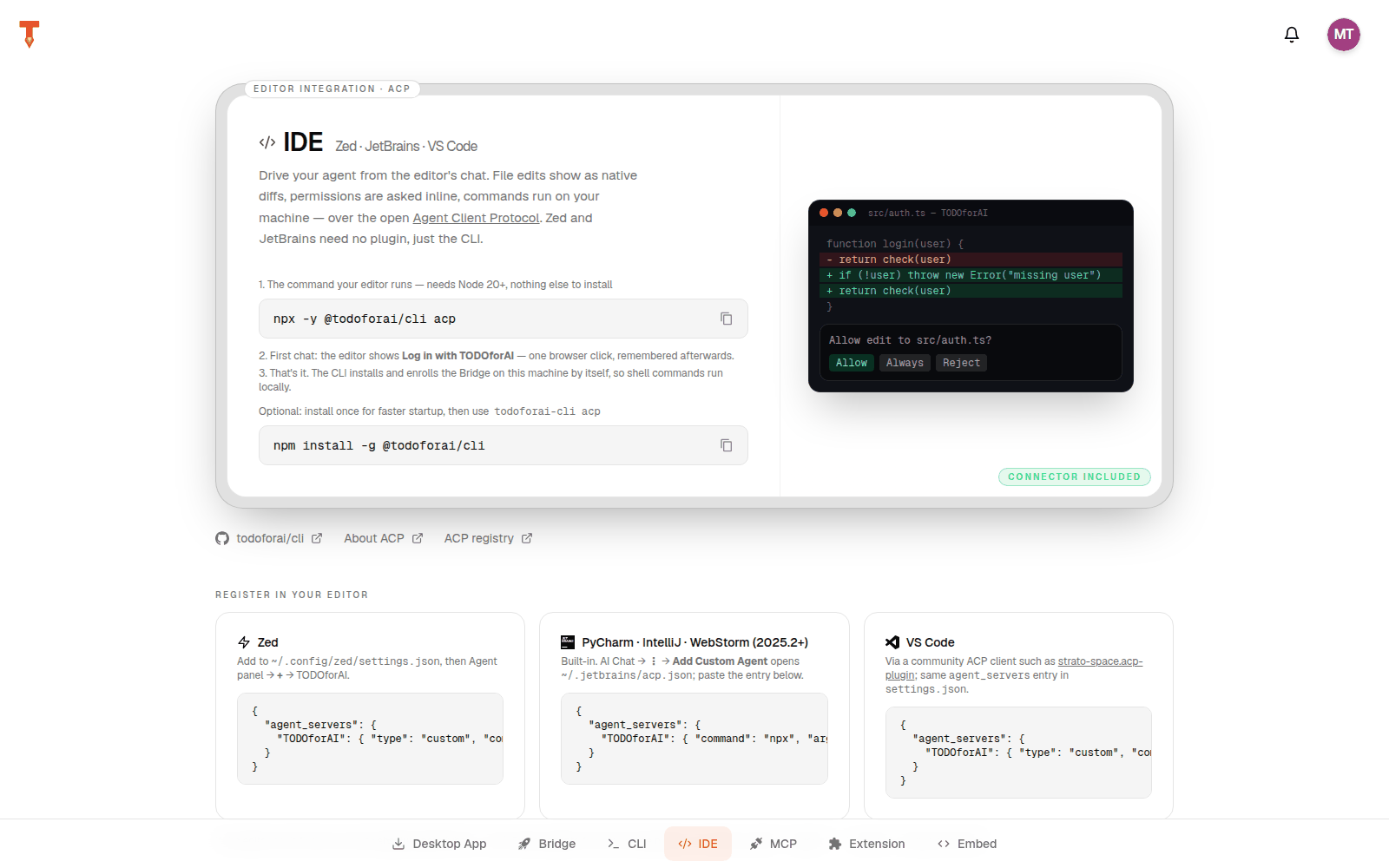
The agent runs in your editor's agent panel over the open Agent Client Protocol. File edits show as native diffs, permissions are asked inline, commands run on your machine. Zed and JetBrains need no plugin. Setup: todofor.ai/downloads/ide and CLI.
CLI
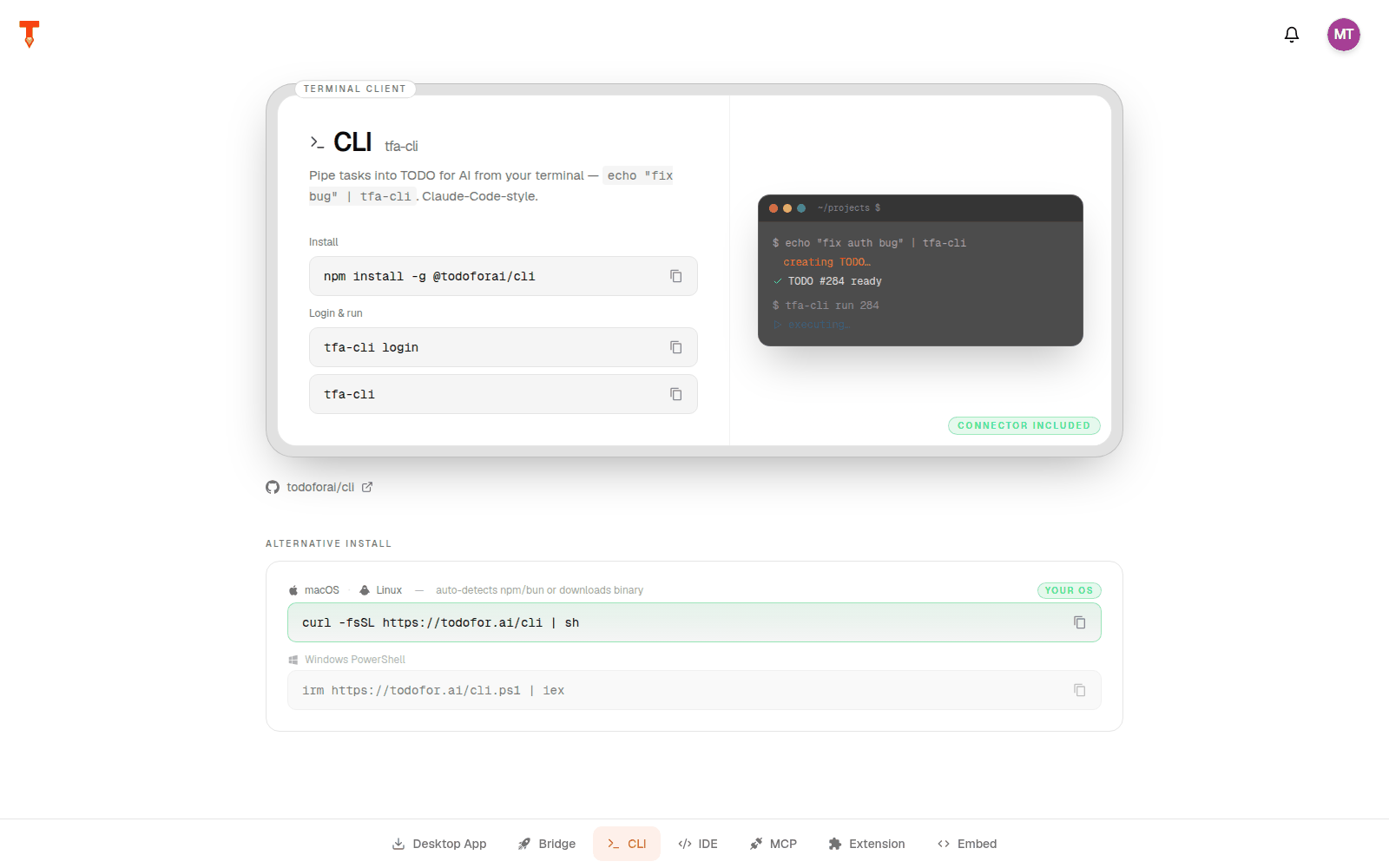
Code
The command is installed as tfa-cli (aliases: todoai, todoforai-cli). Details: CLI.
Browser extension
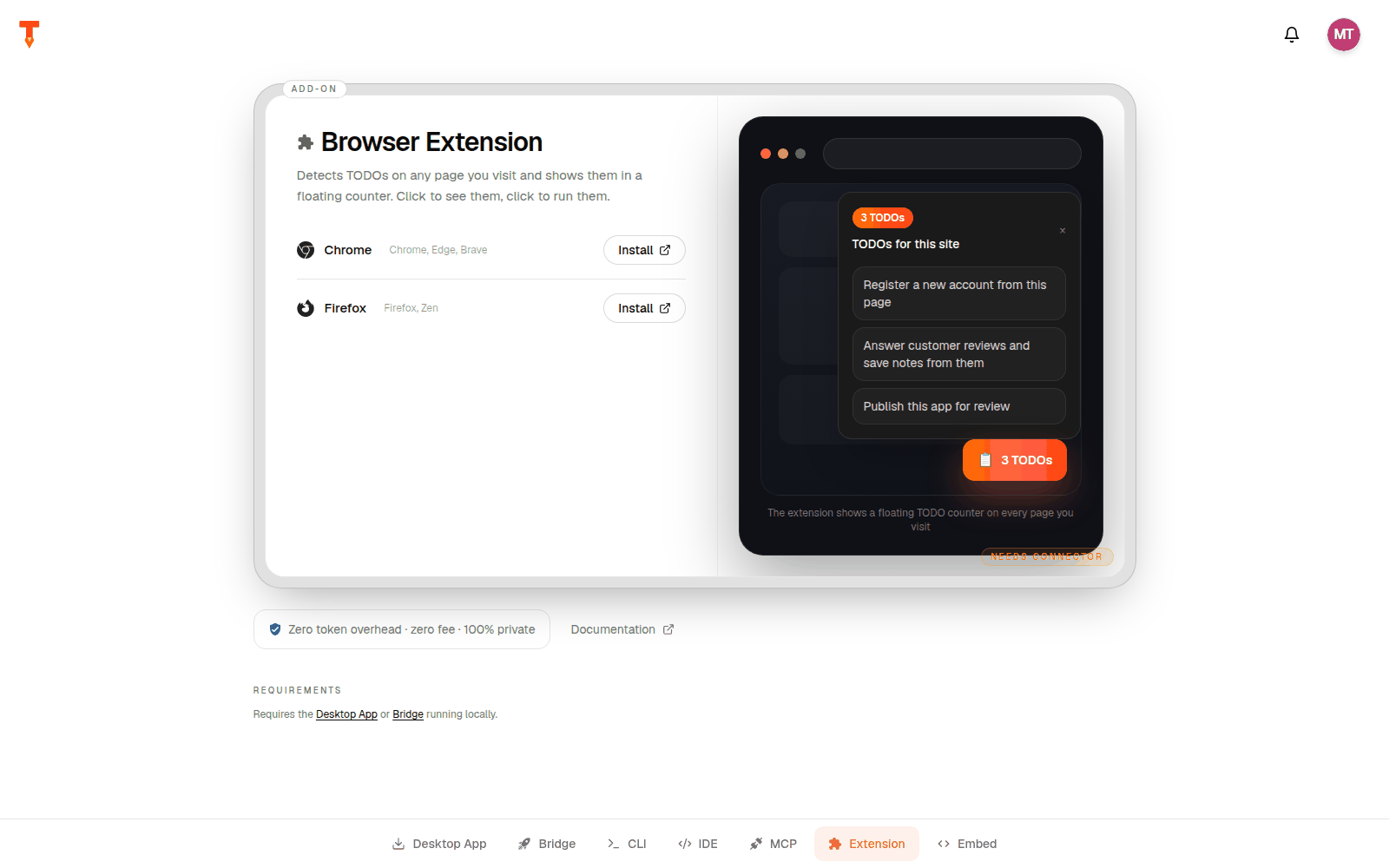
Lets an agent use your real, logged-in browser. It also detects TODOs on pages you visit and shows them in a floating counter. Chrome, Edge, Brave, Firefox. Needs the desktop app or Bridge running. Details: Browser extension.
"AI, do it" button for your website
Put a button next to setup instructions on your own site or docs. One click hands the steps to the visitor's AI, which does the setup for them.
Code
| Attribute | Purpose |
|---|---|
data-label | Button text |
data-theme | dark or light |
data-todo-requirements | e.g. cli:gh, extension:chrome |
data-visible-when | always, logged-in, extension |
data-todo-trigger | Use your own element |
Ready-made automations
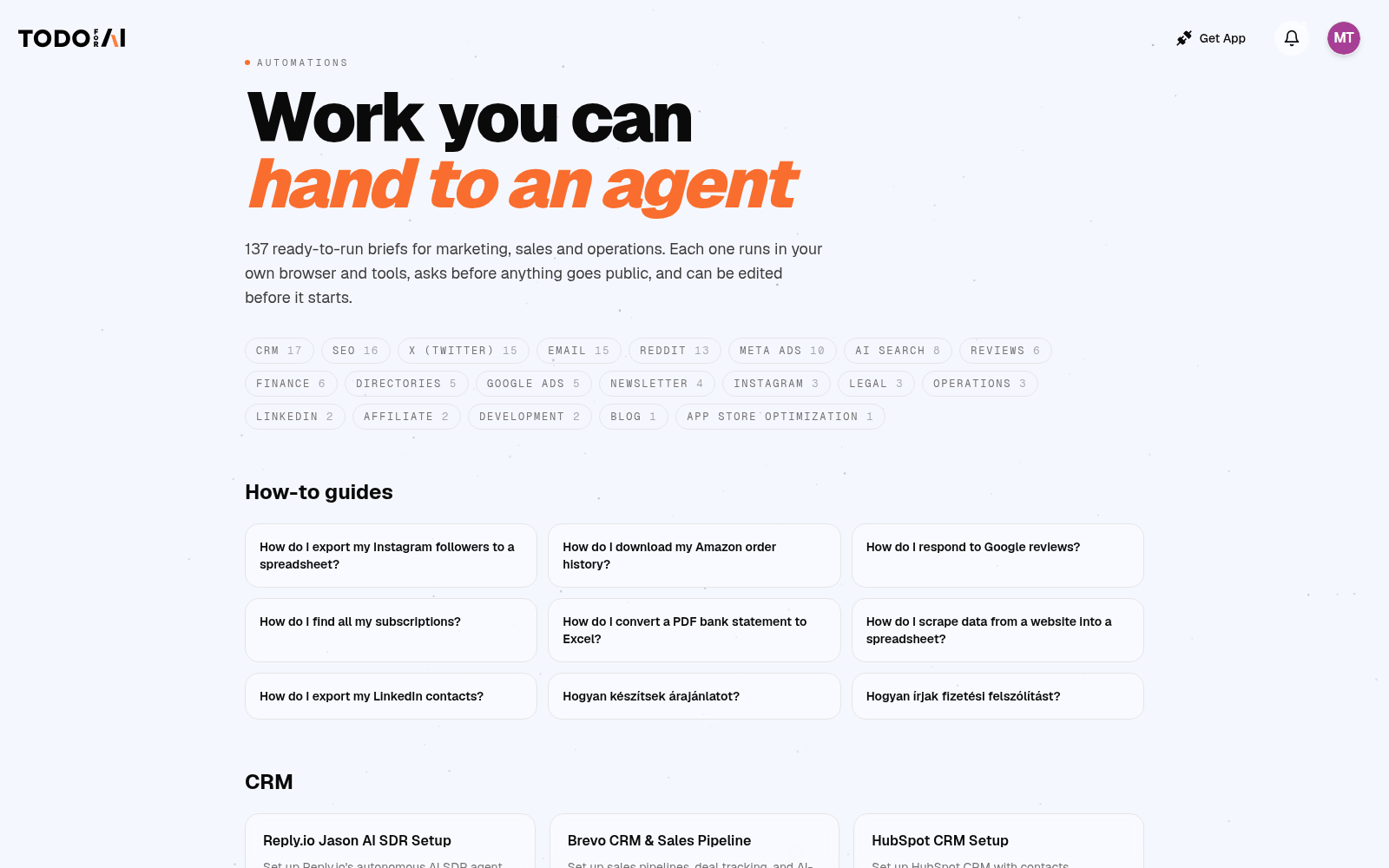
todofor.ai/automations has ready-to-run briefs for marketing, sales and operations (CRM, SEO, X, email, Reddit, Meta ads, reviews, finance, Shopify, Google Ads, newsletters…). Each one runs in your browser and tools and can be edited before it starts. Check the agent's permissions if you want it to ask before posting anything public.