

Teams & shared workspace
In TODO for AI your team and its agents work on the same board. Everyone sees what is running, what needs a person and what is done, and who or which agent did it. There are no private agent sessions to forward around.
How it fits together
- Team: one per owner. Holds members, seats and the shared AI budget.
- Project: a board with its own brand page, voice, files and resources. Team projects are visible to all members.
- TODO: a task on the board. People and agents add messages to it; everyone who writes becomes a contributor.
Roles
| Role | Can |
|---|---|
| Owner | Everything. Pays for the team, manages seats, billing and domain auto-join. One per team. |
| Admin | Invite and remove members, promote and demote. |
| Member | Work on all team projects: create, run and comment on TODOs. Can leave the team. |
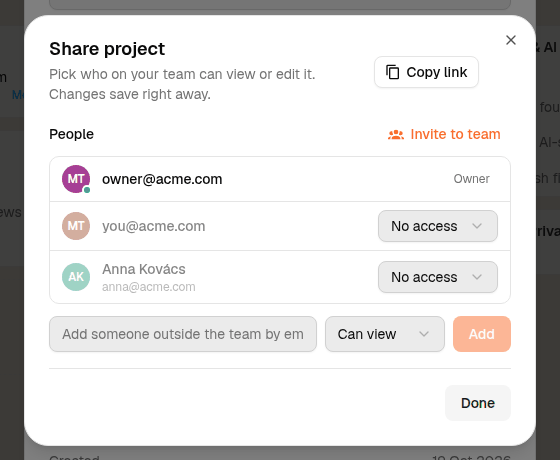
Per-project sharing, for people outside the team:
| Access | Can |
|---|---|
| Can view | Read the board and TODOs. |
| Can edit | Create and run TODOs. |
Agent tool permissions are separate: see Agent permissions.
Invite your team
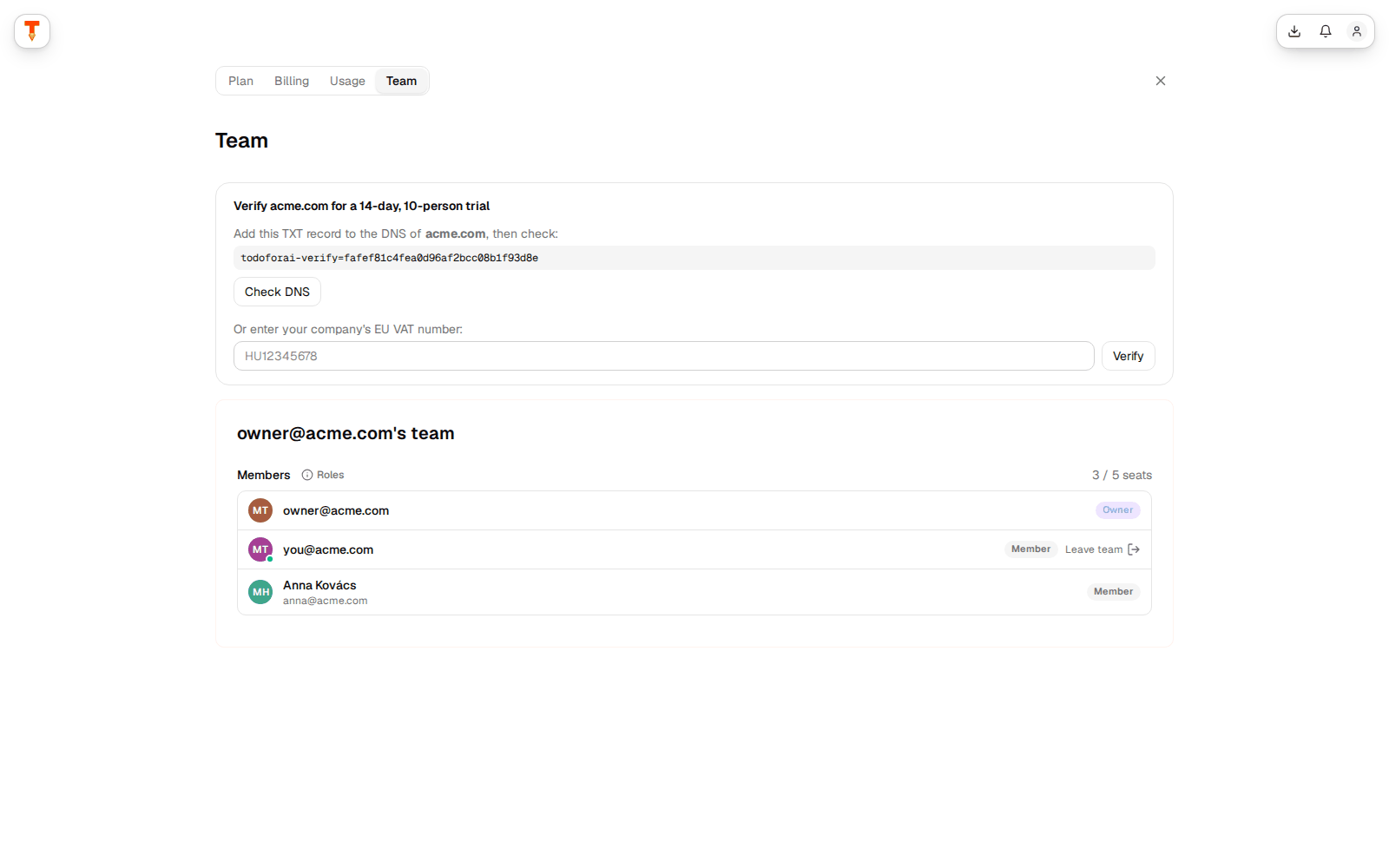
- Account → Team & invitations, enter an email, choose a landing project.
- The invitee gets an email and an in-app notification. The link is valid for 14 days and only works for the invited email address.
- They join and see the team's projects on their board.
Domain auto-join: the owner of an active team with a company email (not Gmail, Outlook, etc.) can turn on auto-join. Anyone who then signs in with an @yourcompany.com email joins the team automatically. A domain belongs to one team; verifying it with a DNS TXT record moves it to your team.
Share a single project
Project name → Settings for … → Share project. Add people with Can view or Can edit, or create a public link. Use it for clients or freelancers who should not see the rest of the team.
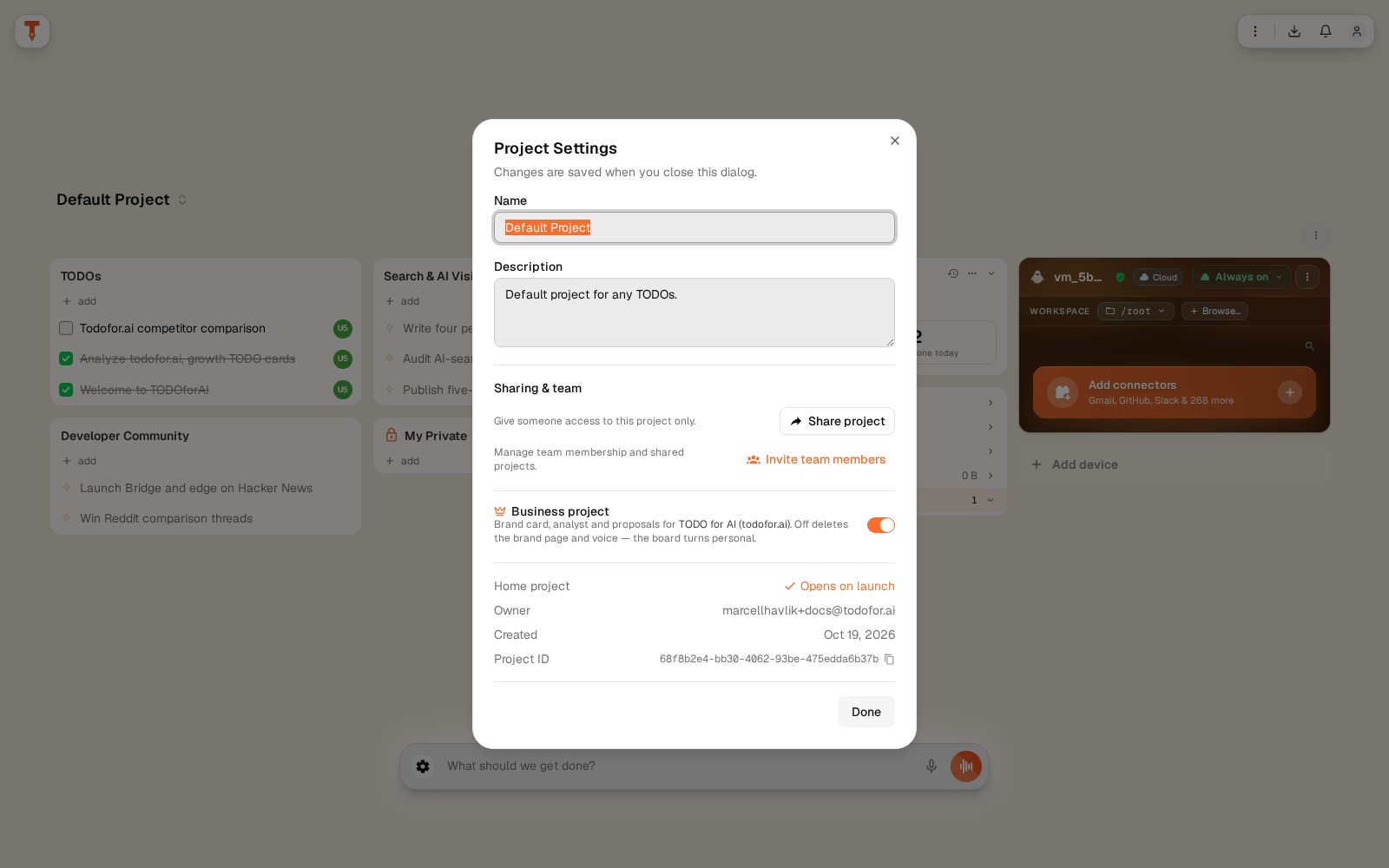
Business project on: the project has a brand page, voice and proposals. Off: a plain personal board.
Working together on the board
- Contributors: the badges on a card show who worked on it. Anyone who sends a message to a TODO is added.
- Notifications: contributors are notified when a TODO is Done, Ready for review, Failed or Needs you.
- My Private: a group on the shared board only you can see.
- Share a TODO: a read-only link to one TODO, optionally with comments from signed-in visitors.
- Voice and memory: My voice is private; Shared voice is used by everyone in the project.
There is no assignee field. A TODO belongs to whoever starts it and everyone who works on it.
Budget and seats
Every team has one shared AI budget (pool). Usage in a team project is paid from the team owner's pool first, tagged with the member who ran it.
| Plan | Price | Shared budget | Seats |
|---|---|---|---|
| Team Free | $0 | $2 / month, to try things out | up to 5 |
| Team Pro, Standard seat | $30 / seat / month | $50 base + $30 per seat | min. 2 |
| Team Pro, Premium seat | $120 / seat / month | + $120 per seat, 5× the usage limits | |
| Enterprise | Custom | Custom |
Yearly billing is 20% off. Mix Standard and Premium seats in one team. Current prices: todofor.ai/pricing.
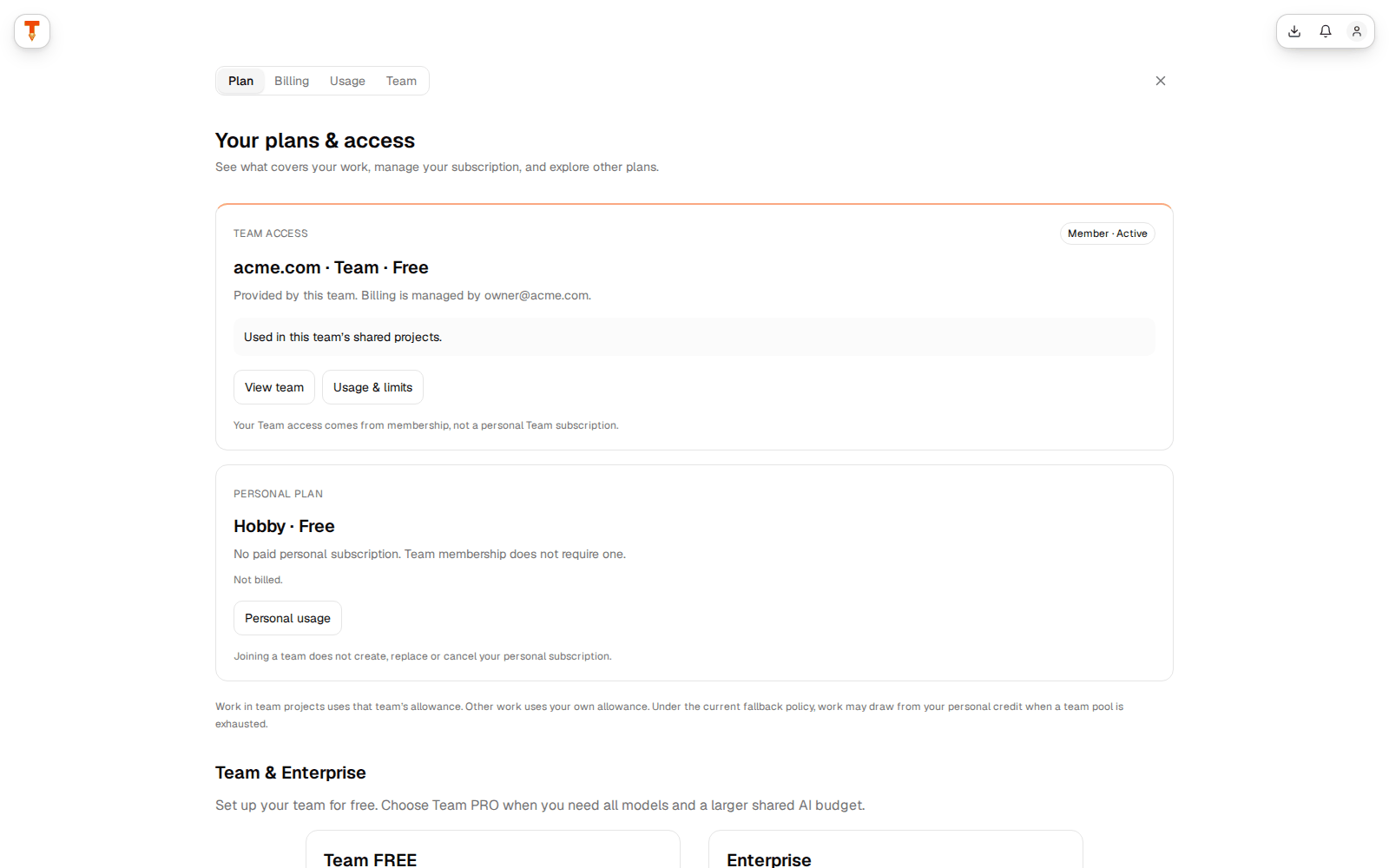
Usage per member: Account → Usage shows team spend per member for 7, 30 or 90 days.
Not available yet
Stated plainly so you can plan around it:
- SSO / SAML and SCIM provisioning
- User-facing audit log export (the full history of each TODO is in its chat)
- Assignees and due dates on TODOs
- Shared network drives mounted into the workspace
Need one of these? Write to support@todofor.ai.