

Agents
Machines & connectors
An agent can only do what its environment allows. In TODO for AI that environment has two parts: machines (where commands run) and connectors (which apps and accounts it can use). Together they are called edges.
Machines
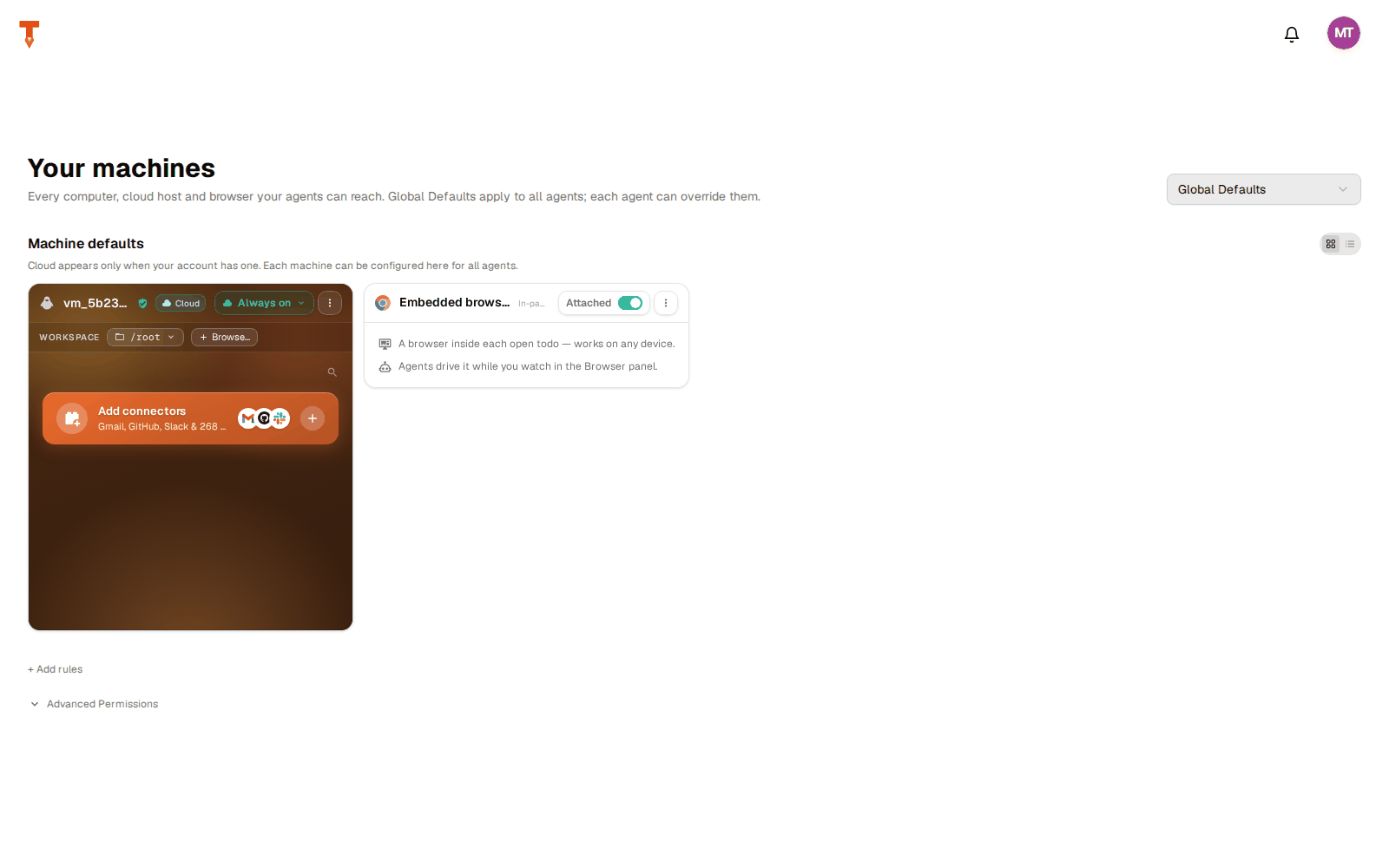
| Machine | What it is | How to add |
|---|---|---|
| Cloud VM | A private Linux microVM in our EU cloud. Ready from the first TODO, with common CLIs preinstalled. Always on (default) keeps it available even when a local machine is online. | Automatic |
| Your PC or server | Your own Windows, macOS or Linux machine. Agents read and write files and run commands as your user. | Bridge, desktop app or CLI |
| Your browser | Your real, logged-in Chrome or Firefox. Agents use sites you are signed in to without API keys. | Browser extension |
| Built-in browser | A cloud browser the agent drives; you watch it live in the TODO's Browser tab. | Agent settings → Built-in browser |
| Android phone | Your phone over ADB, for apps without a web or API version. | Board → Add device |
Several machines can be attached to one agent. Choose defaults in Agent settings → Advanced → Where your agent works.
Any CLI is a tool
On any machine, a command-line tool the agent can run is a tool: gh, aws, stripe, psql, ffmpeg, your own scripts. Install it, log in once, and agents can use it.
Connectors
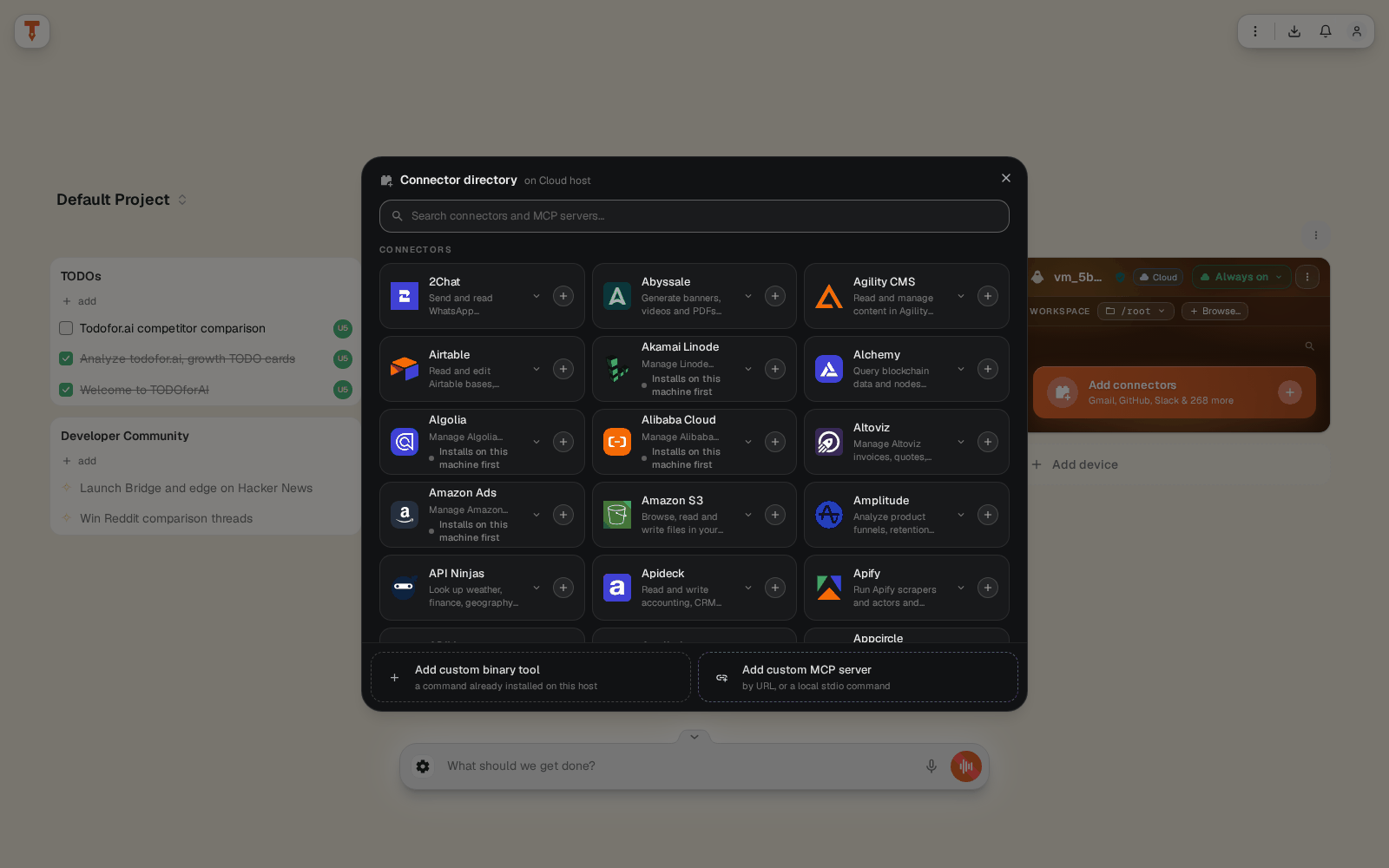
- 270+ ready connectors: Gmail, Google Calendar, Drive, Microsoft 365, OneDrive, Slack, GitHub, Stripe, HubSpot, Notion, Airtable, Shopify, WordPress and more. Browse them at todofor.ai/integrations.
- 3,000+ more through MCP: add any Model Context Protocol server by URL or as a local command (Add custom MCP server).
- Custom binary tool: register a command already installed on a machine (Add custom binary tool).
Connecting opens the provider's own sign-in (OAuth) or asks for an API key. Some connectors install a CLI on the machine first ("Installs on this machine first").
Security
- Each tool has a permission: allow, ask or deny. Shell and file access on attached machines are allowed by default; tighten them for production machines. Agent permissions →
- Credentials are stored per user; secrets in the Vault are encrypted.
- Disconnect a connector or stop the Bridge to remove access immediately.
- Every action is visible in the TODO's chat.
Use TODO for AI from other tools
Slack, Discord, MCP, IDE, CLI, REST API and the website button: Use it from anywhere.
Last modified on